
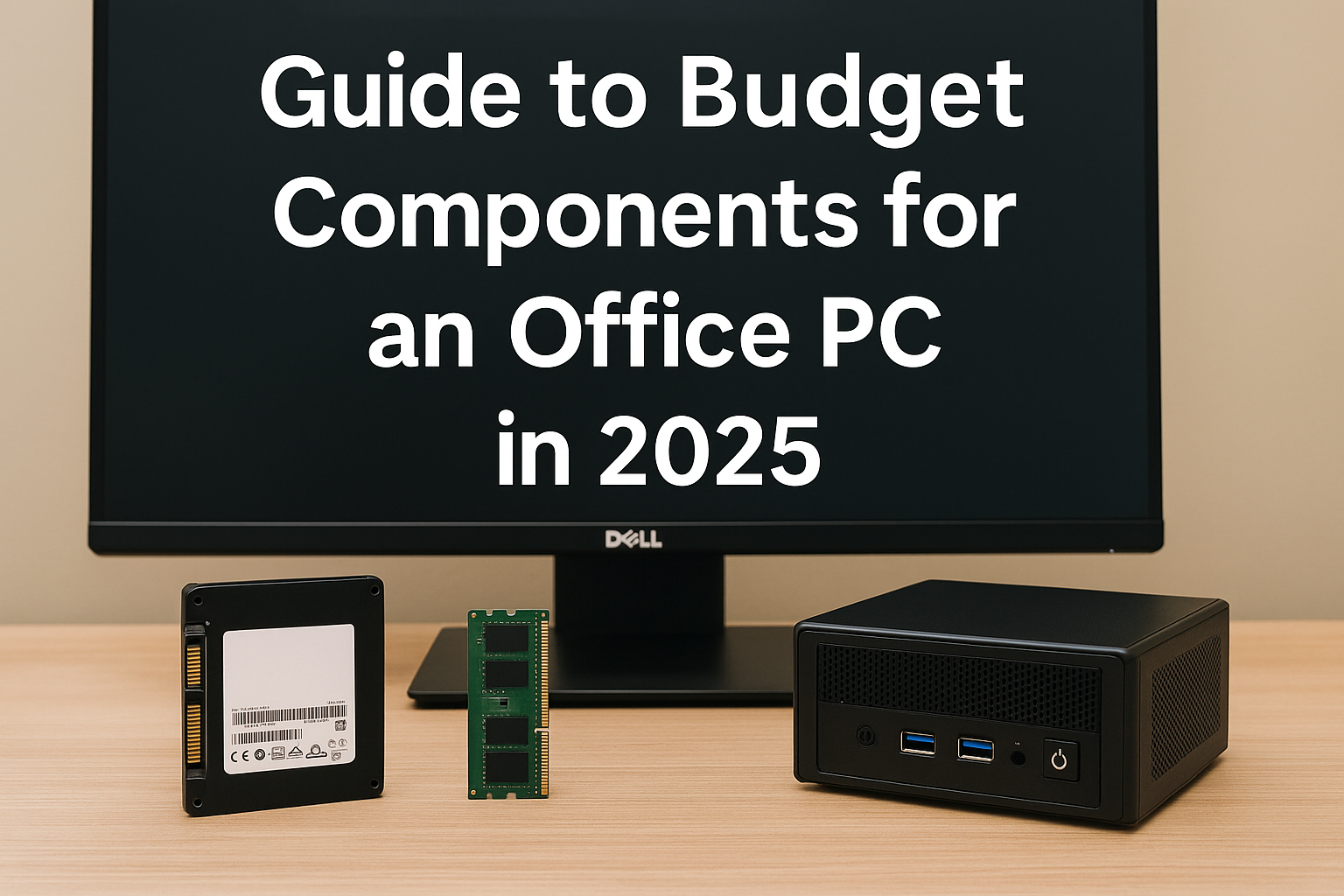
The traditional belief in PC building is simple: if you want to game, you need a powerful, dedicated graphics card. But in 2025, that rule is being rewritten.
Thanks to significant improvements in integrated graphics (iGPU) technology, building a capable gaming setup without a GPU is now not only possible—it’s smart, efficient, and budget-friendly.
This guide will walk you through everything you need to build a modern gaming setup that runs without a discrete graphics card, while still delivering impressive performance across popular games.
Why Go GPU-Free in 2025?
There are several reasons why skipping a dedicated GPU may actually be a great idea:
- Cost Savings: Dedicated GPUs can account for over 40% of your total PC cost. Cutting this component slashes your budget.
- Availability and Prices: GPU prices are still volatile and can be hard to justify for casual or entry-level gamers.
- Power Efficiency: Integrated setups use significantly less electricity and run cooler.
- Size and Simplicity: Without a GPU, your build can be smaller, cleaner, and easier to assemble.
And most importantly: the latest integrated graphics from AMD and Intel are powerful enough for real gaming in 2025.
Choosing the Right APU or CPU with iGPU
The most important component of a GPU-free gaming build is your processor—specifically one with strong integrated graphics.
Best AMD APUs
- Ryzen 7 8700G (Radeon 780M)
Excellent for 1080p gaming. It can handle titles like Valorant, Fortnite, and even Cyberpunk 2077 on low settings. - Ryzen 5 8600G (Radeon 760M)
A more affordable option that still delivers strong esports and indie gaming performance.
Best Intel CPUs with iGPU
- Intel Core Ultra 7 155H (Intel Arc iGPU)
A laptop-class processor with strong graphics performance, now featured in Mini PCs and slim desktops. - Intel Core i5-13400 (Intel UHD 770)
Not as powerful as AMD’s APUs, but still sufficient for lightweight gaming and daily use.
Essential Components for a No-GPU Gaming Setup
Here’s a breakdown of the rest of the components you’ll need, and how to choose wisely:
1. Motherboard
Ensure the socket matches your APU. For AMD, go with B650 or A620 chipset boards for AM5 CPUs. For Intel, look for B760 or H610 options.
Choose a motherboard that supports:
- Dual-channel RAM
- M.2 NVMe SSDs
- BIOS updates for the latest chips
- HDMI/DisplayPort output
2. Memory (RAM)
RAM is critical for integrated graphics performance. The iGPU uses system memory as video memory, so you need fast and sufficient RAM.
- Minimum: 16GB (2x8GB) DDR5
- Recommended: 32GB (2x16GB) DDR5 for multitasking and future-proofing
Always go dual-channel. This doubles memory bandwidth and can give up to 30% better GPU performance.
3. Storage
Games load faster with an SSD. For a modern build, NVMe is ideal.
- Entry-level: 500GB NVMe SSD
- Recommended: 1TB NVMe Gen 4 for speed and capacity
4. Case and Cooling
Without a GPU, you can choose a smaller case (like Mini-ITX or mATX). This gives you a compact setup, perfect for desks or living spaces.
Make sure to have:
- Good airflow (at least one intake and one exhaust fan)
- A CPU cooler (stock coolers on AMD APUs are usually enough)
- Quiet operation if you’re aiming for a clean office look
5. Power Supply (PSU)
No need for 750W monsters. An iGPU build is extremely power-efficient.
- Recommended Wattage: 400–500W
- Efficiency Rating: At least 80+ Bronze
Choose a reputable brand to avoid system instability or fire hazards.
6. Peripherals
Even with no GPU, you can still have a pro setup.
- Monitor: 1080p with 60Hz–75Hz refresh rate
- Keyboard/Mouse: Mechanical or membrane, your choice
- Controller: Useful for platformers, racing games, or emulators
- Headphones or Speakers: For immersive audio
Game Performance Expectations
Let’s be realistic: you won’t be hitting ultra settings at 1440p in AAA titles. But here’s what a strong APU like the Ryzen 8700G can do:
| Game | Resolution | Settings | Avg FPS |
|---|---|---|---|
| Valorant | 1080p | Medium | 120 |
| Fortnite (Performance) | 1080p | Low | 90 |
| GTA V | 1080p | Normal | 60 |
| Apex Legends | 900p | Low | 50 |
| Minecraft (Java + Opti) | 1080p | Medium | 100 |
| CS2 | 900p | Low | 80 |
You can game comfortably, especially in esports, indie, and older titles. Upscaling technologies like FSR (FidelityFX) and XeSS can improve visuals at lower performance costs.
Optional Upgrades for Extra Flexibility
While a no-GPU build is fully functional, these add-ons can make it even better:
- Wi-Fi/Bluetooth Module: For wireless flexibility
- Capture Card: If you want to stream gameplay
- RGB Lighting: Adds flair to your setup
- Gamepad Holder / Cable Organizer: For neatness
Building Tips for Beginners
If this is your first build, here are some useful tips:
- Watch detailed YouTube tutorials based on your case and CPU
- Use PCPartPicker to check compatibility
- Apply thermal paste properly—don’t overdo it
- Connect all motherboard power cables, including the 8-pin CPU plug
- Update BIOS before first boot if required
- Use Windows Game Mode to boost performance
Building without a GPU makes your system easier to assemble and troubleshoot. You’ll also save money for future upgrades.
Future-Proofing Your Build
Even if you’re starting with no GPU, make sure your system can grow with you.
- Pick a motherboard with a PCIe x16 slot for adding a GPU later
- Use a 500W+ PSU to accommodate future upgrades
- Install a second NVMe slot if you plan to expand storage
- Keep your RAM upgradeable (2 DIMM slots or more)
Your setup can evolve as your needs and budget change.
The iGPU Gaming Experience: What to Expect
Integrated graphics in 2025 offer:
- Smooth 60–100 FPS in esports and indie titles
- Decent visuals in older AAA games with optimized settings
- Fast boot times and system responsiveness
- Quiet operation and low heat
- Surprisingly good streaming and multimedia capabilities
While you’ll have to sacrifice some graphical fidelity, the overall experience is better than ever before.
Final Thoughts
Building a gaming setup without a dedicated GPU isn’t just possible—it’s practical. With smart hardware choices and a realistic gaming focus, you can enjoy modern gaming without blowing your budget.
If you focus on performance-per-dollar, compact design, and energy efficiency, an iGPU-based build gives you the perfect balance between performance and affordability.
Gaming isn’t about how expensive your setup is—it’s about enjoying the experience with what you’ve got. And in 2025, what you’ve got might be more powerful than you think.

Chris Dalton is a tech enthusiast with a passion for helping others build high-performance PCs on a budget. He shares practical advice, in-depth guides, and honest insights to empower freelancers, gamers, and creators to get the most out of their hardware. With hands-on experience and a focus on smart, affordable solutions, Carlos Eduardo turns complex tech into accessible knowledge for all.