
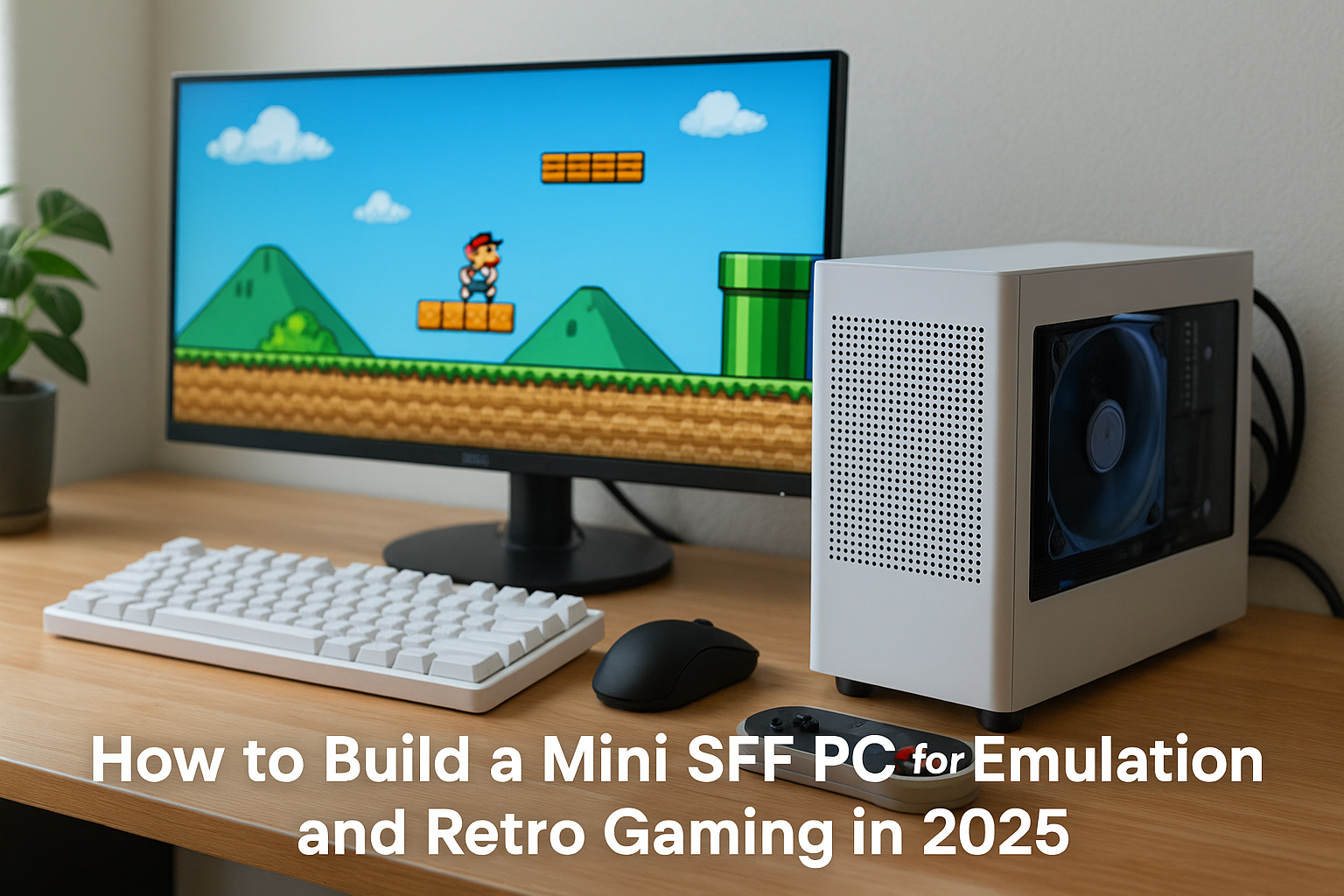
Retro gaming has become one of the most popular trends in the gaming world, and in 2025, it’s easier and more exciting than ever.
Whether you’re revisiting classics from the Super Nintendo, PlayStation 2, or even more modern systems like the Nintendo Switch, a Mini SFF (Small Form Factor) PC can give you all the power you need in a quiet, stylish, and compact build.
This guide will show you how to build the ultimate Mini SFF PC for emulation and retro gaming. From selecting the right hardware and software to configuring your system for smooth gameplay and beautiful visuals, you’ll learn how to bring the magic of retro games to life in a modern, space-saving package.
Why Use a Mini SFF PC for Emulation?
Emulation doesn’t require the most cutting-edge hardware, but it does benefit from efficiency, portability, and smart thermal design. A Mini SFF PC offers the perfect mix of compact size, silent operation, and enough power to emulate consoles from the 80s to the 2010s.
Key Benefits
Small enough to fit in a living room, dorm room, or travel bag
Silent operation for relaxing gaming sessions
Custom controller support
Multiple systems in one machine
Easily upgradeable and repairable
Modern display output for 4K TVs and monitors
It’s the perfect alternative to original consoles or Raspberry Pi kits.
Emulators You’ll Want to Run
Before selecting components, consider which consoles you want to emulate. Some emulators are CPU-heavy, while others rely on GPU power.
Common Emulators by System
NES/SNES/Genesis – RetroArch, bsnes, Kega Fusion
PlayStation 1/2 – DuckStation, PCSX2
GameCube/Wii – Dolphin
Nintendo DS/3DS – DeSmuME, Citra
PSP – PPSSPP
PS3 – RPCS3
Wii U/Switch – Cemu, Yuzu, Ryujinx
Xbox 360 – Xenia
Arcade – MAME
Dreamcast/Saturn – Redream, Mednafen, Yaba Sanshiro
Dolphin, Yuzu, and RPCS3 benefit greatly from strong CPUs and GPUs. Lighter systems like NES or SNES will run on almost anything.
Choosing the Right Mini SFF Case
For an emulation PC, the case should be compact, ventilated, and subtle enough to blend into a media center.
Recommended Cases
Fractal Design Terra (10.4L) – Stylish aluminum and wood design
Cooler Master NR200P MAX (18L) – Includes PSU and AIO, easy to build in
Lian Li A4-H2O (11L) – Slim, vertical, console-like layout
Velka 5 (5L) – Ultra-compact for travel or entertainment centers
SilverStone Milo ML08 – Horizontal console-style layout
Look for support for Mini-ITX motherboards, at least one case fan, and room for a dual-slot GPU if needed.
Selecting the Right CPU
Your CPU is key for systems like PS2, PS3, Wii U, and Switch. Most emulators are single-threaded or lightly threaded, so clock speed and IPC matter more than core count.
Best CPUs for Emulation
AMD Ryzen 7 8700G – Excellent integrated graphics for a GPU-free build
Intel Core i5-14600K – Strong single-core and multi-threaded performance
AMD Ryzen 5 7600 – Cool and efficient
Intel Core Ultra 5 125H – Integrated graphics in a laptop-level power envelope
Intel i5-13500T – 35W low-power chip for fanless or near-silent builds
Avoid high-TDP chips unless your case has top-tier cooling.
GPU Considerations
You may not need a dedicated GPU at all for emulation. Modern iGPUs like the Radeon 780M (in Ryzen 8700G) or Intel Arc iGPUs (Ultra chips) can handle up to GameCube, PS2, and even some Wii U titles.
When to Use a Dedicated GPU
If you want:
Higher resolution (4K) upscaling
Post-processing effects
Better compatibility with Yuzu or RPCS3
Smooth gameplay in demanding games like Xenoblade or The Last of Us
Best Silent or Compact GPUs
NVIDIA RTX 4060 – Power-efficient and DLSS support
AMD RX 7600 – Excellent raster performance
Intel Arc A750 – Budget-friendly and well-supported in Yuzu/Ryujinx
Passive GTX 1650 – Fanless, good enough for up to Wii/PS2
Mini form-factor cards – Dual-fan GPUs under 200mm in length
Look for models with 0dB fan mode or undervolt them for quieter operation.
Motherboard and RAM
Mini-ITX motherboards are a must for these cases.
Motherboard Suggestions
ASRock B650E-ITX – Great for AMD Ryzen 7000 series
Gigabyte B760I AORUS Ultra – Solid Intel support and built-in Wi-Fi
ASRock A620I Lightning Wi-Fi – Budget-friendly and compact
ASUS ROG STRIX B760-I – RGB and advanced BIOS features
RAM
16GB DDR5 is ideal, but 32GB gives room for streaming, recording, and multitasking.
Corsair Vengeance DDR5 6000MHz
G.SKILL Ripjaws DDR5 6400MHz
Crucial DDR5 5200MHz (for budget builds)
Some emulators benefit from fast memory, so faster RAM helps with performance.
Storage: Speed, Size, and Silence
SSDs are a must—fast load times and silent operation.
Best Storage Configurations
Primary Drive: 1TB NVMe (Samsung 990 Pro, WD SN850X, Crucial P5 Plus)
Secondary Drive (Optional): 2TB SATA SSD for ROM libraries
External Storage: USB 3.2/Thunderbolt SSD for portability
Keep BIOS, shader cache, and emulator data on the fastest drive.
Cooling Strategy for Retro Gaming Builds
Silence is king. You don’t need massive fans for emulation workloads.
Air Coolers
Noctua NH-L12S – Quiet, compact, and high-performance
Scythe Big Shuriken 3 – Great airflow with low noise
Thermalright AXP90-X53 – Slim and efficient
Fanless Cooling
Noctua NH-P1 – Best passive air cooler
Streacom DB4 – Case-as-heatsink design for 0dB builds
Akasa Euler MX – Integrated cooling for low-watt CPUs
Use low RPM case fans (Noctua, be quiet!) with fan-stop profiles in BIOS.
Power Supply Considerations
Most emulation builds won’t exceed 300W.
Best PSUs
Corsair SF450/SF600 Platinum – Compact, efficient, and silent
Seasonic SGX-650 SFX – Hybrid fan control
HDPLEX 250W/500W Fanless – Great for silent and low-watt systems
Fully modular cables help with cable management in tight cases.
Controller Support for Retro Gaming
The right controller makes all the difference.
Xbox Wireless Controller – Excellent PC compatibility
8BitDo Pro 2 – Ideal for retro gaming aesthetics and button layouts
DualSense/DualShock 4 – Great for PlayStation titles
Retro-Bit Sega Genesis or SNES USB Controllers – Authentic feel
Mayflash Adapter – Use original GameCube or N64 controllers
Most emulators support per-game profiles and remapping.
Software Setup for Emulation
Use a front-end for the best experience:
LaunchBox – Organizes games, artwork, and emulator settings
RetroArch – Central hub for most systems with shaders, overlays, and netplay
Batocera/Linux – Bootable OS for dedicated retro gaming machines
EmuDeck (for SteamOS users) – Makes setup on Steam Deck or Linux PCs seamless
Tips:
Enable per-core settings
Use Vulkan for performance in modern emulators
Keep shader caches updated
Scan for ROM artwork and box art for an immersive UI
HDMI Output and Display Settings
Most TVs support 60Hz and 4K. Ensure your GPU or iGPU has HDMI 2.1 or DisplayPort with adapters.
Enable integer scaling or CRT-like filters for authentic visuals
Configure emulator resolution and aspect ratio settings
Use a wireless keyboard and controller for living room comfort
Build Examples
Budget Fanless Retro Rig
Case: Akasa Euler MX
CPU: Intel i5-13500T
GPU: Integrated UHD Graphics
RAM: 16GB DDR5
Storage: 1TB SATA SSD
PSU: External 180W
Noise: 0dB
Performance: Up to GameCube/PS2
Mid-Tier Emulation Monster
Case: Fractal Terra
CPU: Ryzen 7 8700G
GPU: Radeon 780M
Cooler: Noctua NH-L12S
RAM: 32GB DDR5
Storage: 2TB NVMe
PSU: Corsair SF600 Platinum
Noise: <30 dBA
Performance: Up to Wii U/Switch
High-End All-Console Rig
Case: NR200P MAX
CPU: Ryzen 7 7800X3D
GPU: RTX 4070
Cooler: 280mm AIO (included)
RAM: 32GB DDR5
Storage: 2TB Samsung 990 Pro
PSU: 850W (included)
Performance: All emulators at 4K
Final Thoughts
Building a Mini SFF PC for emulation and retro gaming in 2025 is the best way to enjoy decades of gaming history in one sleek, quiet, and compact machine.
Whether you want to revisit 8-bit classics or relive the magic of the PS3 and Wii U, today’s hardware makes it smooth and immersive.
With the right CPU, cooling, and software, you can build a living room-friendly machine that outperforms consoles, saves space, and brings endless nostalgia—all in under 15 liters of volume.

Chris Dalton is a tech enthusiast with a passion for helping others build high-performance PCs on a budget. He shares practical advice, in-depth guides, and honest insights to empower freelancers, gamers, and creators to get the most out of their hardware. With hands-on experience and a focus on smart, affordable solutions, Carlos Eduardo turns complex tech into accessible knowledge for all.