
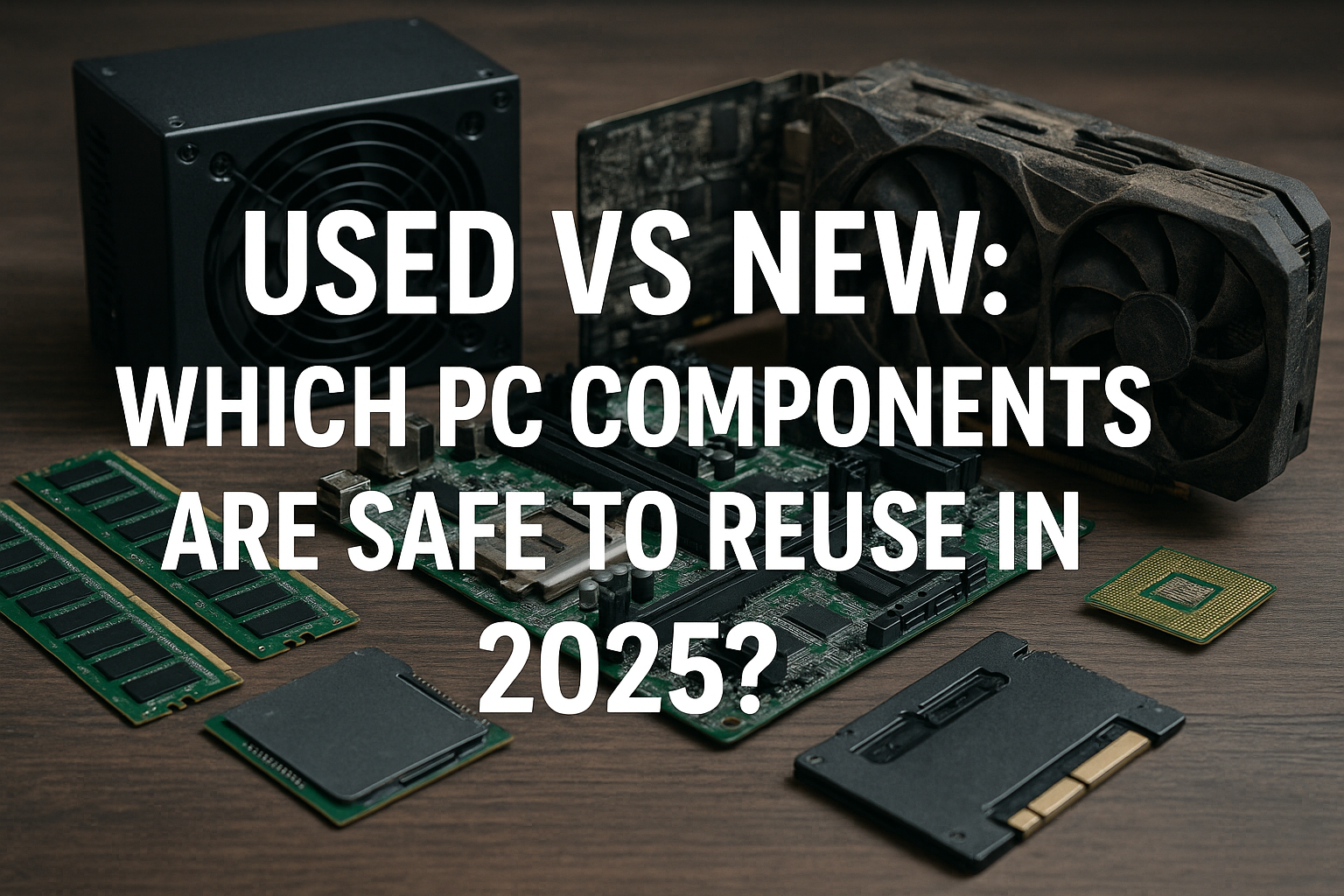
Building or upgrading a PC in 2025 can be both exciting and overwhelming—especially when balancing performance with budget.
With prices of new components still high for many users, turning to used or refurbished hardware is becoming increasingly popular.
But which components are truly safe to reuse, and which ones should you consider buying new to avoid performance issues or future headaches?
Whether you’re a tech enthusiast or a casual builder, this guide breaks down the components you can safely reuse in 2025, the ones you should avoid, and some key tips to make the most of the second-hand PC market.
Why Consider Used Components?
Before diving into specifics, it’s important to understand why many opt for used parts:
- Cost savings: The most obvious benefit. Buying used components can shave hundreds off a build.
- Eco-friendliness: Reusing parts reduces electronic waste.
- Availability: Some older components (e.g., for legacy systems) are no longer manufactured but still needed.
However, used parts can be a gamble. To minimize risk, you must know which parts age well and which don’t.
Safe to Reuse: Components That Age Well
1. CPUs (With Caution)
Modern processors have long lifespans and tend to age gracefully, especially those from recent generations (10th Gen Intel and up, Ryzen 3000 and up). When buying used:
- Avoid CPUs that were heavily overclocked or used in mining rigs.
- Always check for bent pins (especially on AMD CPUs).
- Ensure compatibility with your motherboard and RAM.
A good practice is to buy CPUs that come with some warranty or return policy, even if it’s a short one.
2. GPUs (Higher Risk, Higher Reward)
Graphics cards can be a great deal used—if you’re careful. Many GPUs were used in mining farms, which can significantly reduce lifespan. To stay safe:
- Choose models from reputable sellers who disclose usage history.
- Avoid cards with coil whine, artifacting, or overheating.
- Inspect for dust buildup and physical wear.
If the GPU was used lightly (e.g., in a gaming PC), it can serve well for years. Just test thoroughly before committing.
3. RAM
Memory modules are highly reliable and rarely fail. They have no moving parts and usually either work or don’t.
- Check for physical damage.
- Verify that they pass memory tests (e.g., MemTest86).
- Ensure timing and voltage match your motherboard’s support.
Used RAM is generally a safe bet.
4. Power Supplies (Only from Trusted Brands)
PSUs degrade over time, especially if they’ve been exposed to high loads or dust. However, high-quality units from trusted brands (like Seasonic, Corsair, EVGA) often last 7–10 years.
- Only consider units with 80+ Gold (or better) ratings.
- Look for long warranties (some go up to 10 years).
- Inspect for leaking capacitors, noise, or burnt smells.
If in doubt, buy new—it’s not worth risking your entire system to save $20 on a PSU.
5. Cases
PC cases are non-electronic and almost always reusable. Just check:
- All screws, mounts, and front panel connectors are intact.
- There’s no rust or major damage.
- There’s space for modern GPUs and good airflow.
Cases can be cleaned and reused indefinitely.
6. Motherboards (Trickier)
Motherboards can be hit or miss. While many work fine used, hidden issues can arise:
- Damaged pins or scratched traces.
- BIOS problems.
- Bulging or leaking capacitors.
If you buy a used motherboard, check it thoroughly, and always test it outside the case before installing everything.
7. Storage (SSDs and HDDs)
Used SSDs are a mixed bag. Unlike HDDs, they wear out over time through write cycles.
- Check the drive’s health with software (like CrystalDiskInfo).
- Avoid SSDs with high TBW (terabytes written) values.
- HDDs should be avoided if over 3 years old, unless they have very low power-on hours.
Generally, SSDs under 2 years old with low usage are fine. HDDs are less reliable when used and best bought new unless you have backups.
8. Cooling Systems
Air coolers and heatsinks rarely degrade and can be reused after proper cleaning. Replace thermal paste and inspect mounting hardware.
- AIO (liquid coolers) have moving parts and can fail after 3–5 years.
- Check for pump noise and leaks in used AIOs.
Stock coolers from AMD or Intel are generally safe if in good condition.
Components You Should Consider Buying New
1. Power Supply (If No History)
If you can’t verify the PSU’s condition or brand, buy new. It’s the heart of your system—failure can destroy other components.
2. Storage (If Data Integrity Matters)
Critical data demands reliable storage. If you can’t verify the health of a drive, especially HDDs, don’t risk it.
3. Motherboards (If You Need Long-Term Stability)
Used motherboards can be fine for budget builds or test benches. But for long-term systems, a new motherboard offers peace of mind.
Tips for Buying Used Components Safely
1. Buy from Trusted Platforms
Use reputable platforms like:
- eBay (with buyer protection)
- Amazon Renewed
- Newegg Refurbished
- Certified refurbishers
- Reddit’s /r/hardwareswap (with verified user history)
Avoid shady marketplaces or unknown sellers.
2. Ask for Proof
- Request real photos.
- Ask about usage history.
- Get benchmarks if possible.
3. Test Everything Upon Arrival
Don’t delay. Run benchmarks, stress tests, and health diagnostics within return windows.
4. Avoid Old or Legacy Hardware
Even if it’s cheap, some components (like DDR3 RAM or LGA 1155 motherboards) aren’t worth the trouble in 2025.
5. Don’t Skimp on Cooling
Used systems may come with older or dusty fans. Ensure proper airflow by replacing or cleaning fans and applying new thermal paste.
Real-World Scenarios: What Makes Sense?
Here’s how common use cases align with reused vs. new components:
- Budget Gaming PC: Used GPU, CPU, RAM, case. New PSU, storage.
- Workstation: New PSU, motherboard. Used high-end CPU, RAM.
- Media Server: Used case, CPU, RAM. New HDDs and PSU.
- Kids’ PC: Mostly reused parts, but ensure stability with a new PSU.
Red Flags to Watch Out For
- “As-is” or “untested” listings.
- Very low prices (too good to be true).
- Sellers unwilling to share usage history.
- No return policy or warranty.
Trust your instincts—and always research average market prices.
Final Thoughts: A Smart Mix Saves Money
In 2025, reusing PC components is not only possible—it’s practical. But not every part ages the same way. RAM, cases, and even CPUs can be reused confidently.
Storage, PSUs, and motherboards require more caution. If you’re trying to stretch your budget, aim for a hybrid approach: buy critical parts new and safe-to-reuse parts secondhand.
Approach each purchase with research, testing, and a small margin for error. The savings and satisfaction of building a powerful machine for less are absolutely worth it.

Chris Dalton is a tech enthusiast with a passion for helping others build high-performance PCs on a budget. He shares practical advice, in-depth guides, and honest insights to empower freelancers, gamers, and creators to get the most out of their hardware. With hands-on experience and a focus on smart, affordable solutions, Carlos Eduardo turns complex tech into accessible knowledge for all.