
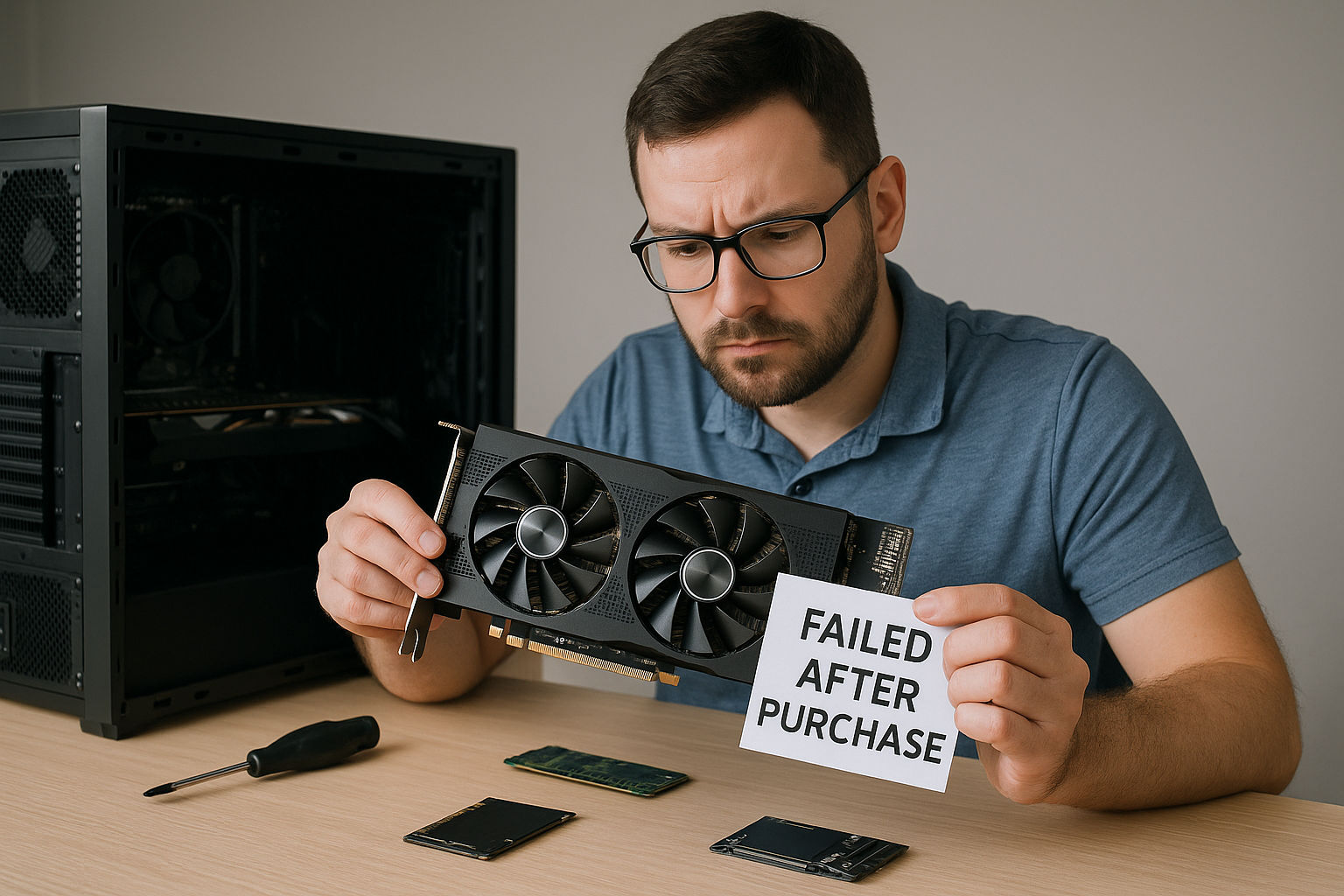
Buying used PC components can be a smart way to save money, but it’s not without risk.
Even if you do everything right—buy from reputable sellers, check condition, and test the parts—there’s always the possibility that a used component will fail shortly after installation.
Whether it’s a dead GPU, a glitchy motherboard, or a power supply that suddenly shuts down your system, knowing how to respond is critical.
This guide walks you through the exact steps to take when a used PC part fails, including testing, troubleshooting, return processes, and how to protect yourself in future purchases.
Step 1: Confirm the Failure
Before assuming the part is defective, confirm that the issue isn’t caused by user error, installation problems, or other faulty components.
Start with a basic checklist:
- Is the component properly seated? Reseating RAM, GPUs, or storage can often resolve connection issues.
- Are all power cables correctly plugged in? Double-check your PSU connectors.
- Is the BIOS up to date? Incompatibility issues can cause components to appear dead.
- Try it in another system (if available) to eliminate the possibility that another part is the actual cause.
Take screenshots or videos of any errors or symptoms—it will help during returns or support requests.
Step 2: Run Diagnostic Tools
If the component still appears faulty, run relevant diagnostics to narrow down the issue:
- RAM: Use MemTest86 to scan for errors.
- Storage (SSD/HDD): Use CrystalDiskInfo or the manufacturer’s tool to check health.
- GPU: Use GPU-Z and run a stress test (like FurMark) while monitoring temps.
- CPU: Use HWMonitor and Cinebench to check for unusual behavior or thermal throttling.
- Motherboard: Watch for POST codes (if available), listen for beep codes, or try swapping RAM/CPU.
Record logs or screenshots of test results. These are useful for technical support and dispute resolution.
Step 3: Check Return and Warranty Options
Used or refurbished components often come with limited warranties or seller-specific return policies. Depending on where you bought the part, your next step will differ.
Bought from a marketplace (e.g., eBay, Amazon, Newegg):
- eBay: You can file a return under eBay’s “Money Back Guarantee” if within 30 days.
- Amazon Renewed: All products include a minimum 90-day guarantee. Start a return via your orders page.
- Newegg Refurbished: Policy varies by seller. Check if the item had a return window and contact Newegg or the seller directly.
Bought from an individual (e.g., Facebook Marketplace, Reddit):
- Try to contact the seller politely and explain the issue. If they’re reputable, they might offer a refund or replacement.
- If payment was made through PayPal Goods & Services, open a dispute and provide all proof.
- Avoid hostile communication—it rarely leads to results.
Bought from a refurbishing store or retailer:
- Contact their support team with your order ID, photos, and diagnostics.
- Most certified refurbishers offer 30- to 180-day warranties.
- Ask about replacement, repair, or refund options.
Always act quickly. The longer you wait, the harder it is to get a resolution.
Step 4: Protect the Rest of Your Build
When a used component fails, it can sometimes damage other parts—especially power supplies or motherboards.
- Disconnect the faulty component immediately.
- Test other components (RAM, storage, etc.) independently to ensure they’re unharmed.
- Inspect for physical signs of damage: burn marks, scorched connectors, leaking capacitors.
- Use a PSU tester to verify power supply output if you’re unsure.
If your system was working fine before the installation, there’s a good chance the rest is still intact. But double-check everything.
Step 5: Leave Feedback or Reviews
Your review or feedback can help others avoid bad sellers—and pressure the seller to make things right.
- On eBay, Newegg, or Amazon, leave an honest but factual review. Mention if the seller responded or not.
- On forums or secondhand groups, share your experience without exaggeration. It builds trust in the community.
If the seller resolved your issue, update your review to reflect that.
Step 6: Salvage Usable Parts (If Applicable)
Sometimes, even failed components have usable parts or value:
- GPU fans, heatsinks, and VRAM pads can be reused or sold separately.
- PSU cables and case connectors may work with other systems.
- Motherboard I/O shields, heatsinks, and screws are often interchangeable.
- Old SSDs might still serve as external drives if the issue is with the controller but not the NAND.
Be cautious when reusing salvaged parts—only use components that are confirmed safe and functional.
Step 7: Prevent Future Problems
Even if you can’t recover the failed part, you can use the experience to make smarter decisions in future purchases.
Tips for safer used component buying:
- Ask about testing history and usage (e.g., “Was this GPU used for mining?”).
- Always request photos or video of the part working.
- Use platforms that offer buyer protection.
- Prefer refurbished over plain “used”—refurbished parts are often tested and warrantied.
- Buy from known sources: Reddit’s /r/hardwareswap, Amazon Renewed, eBay Top Rated Sellers.
Also, set aside a portion of your PC budget for contingency, especially when buying multiple used components.
Real-Life Example: Faulty GPU Scenario
Imagine you purchase a used RTX 3060 on eBay. It powers on but displays artifacts and crashes under load.
Here’s what to do:
- Test with GPU-Z and run benchmarks. Save screenshots of errors.
- Message the seller with your test results and request a return.
- File a return with eBay under “Item not as described.”
- Ship the GPU back with tracking and wait for refund.
- Leave appropriate feedback based on response time and resolution.
Total cost to you: some time and shipping. But with the right steps, you likely recover most of your investment.
Should You Try to Repair It Yourself?
In some cases, it may be tempting to attempt DIY repair. Proceed only if:
- You’re familiar with electronics soldering and have the tools.
- You’ve researched the exact issue (e.g., VRAM chip failure).
- The component is out of warranty and otherwise useless.
Examples of repairable issues:
- Replacing worn-out thermal pads or fans on GPUs.
- Reflowing solder joints on old motherboards.
- Fixing broken connectors or ports.
However, most users are better off seeking professional repair or replacing the component entirely.
When to Walk Away
Sometimes, no matter what you try, a used part is just dead.
If:
- The seller is uncooperative,
- Buyer protection has expired,
- Or repair is more expensive than replacement,
…it’s better to move on. Chalk it up as a learning experience and focus on future-proofing your next purchase.
Final Thoughts: Be Calm, Be Strategic
A failed used PC component is frustrating, but it’s not the end of your build or budget. By acting quickly, documenting everything, and using platform protections, you can often resolve the issue without major losses.
Learn from the experience, refine your buying process, and remember: even brand-new parts can fail. But being prepared, smart, and methodical ensures you’re always in control.

Chris Dalton is a tech enthusiast with a passion for helping others build high-performance PCs on a budget. He shares practical advice, in-depth guides, and honest insights to empower freelancers, gamers, and creators to get the most out of their hardware. With hands-on experience and a focus on smart, affordable solutions, Carlos Eduardo turns complex tech into accessible knowledge for all.