
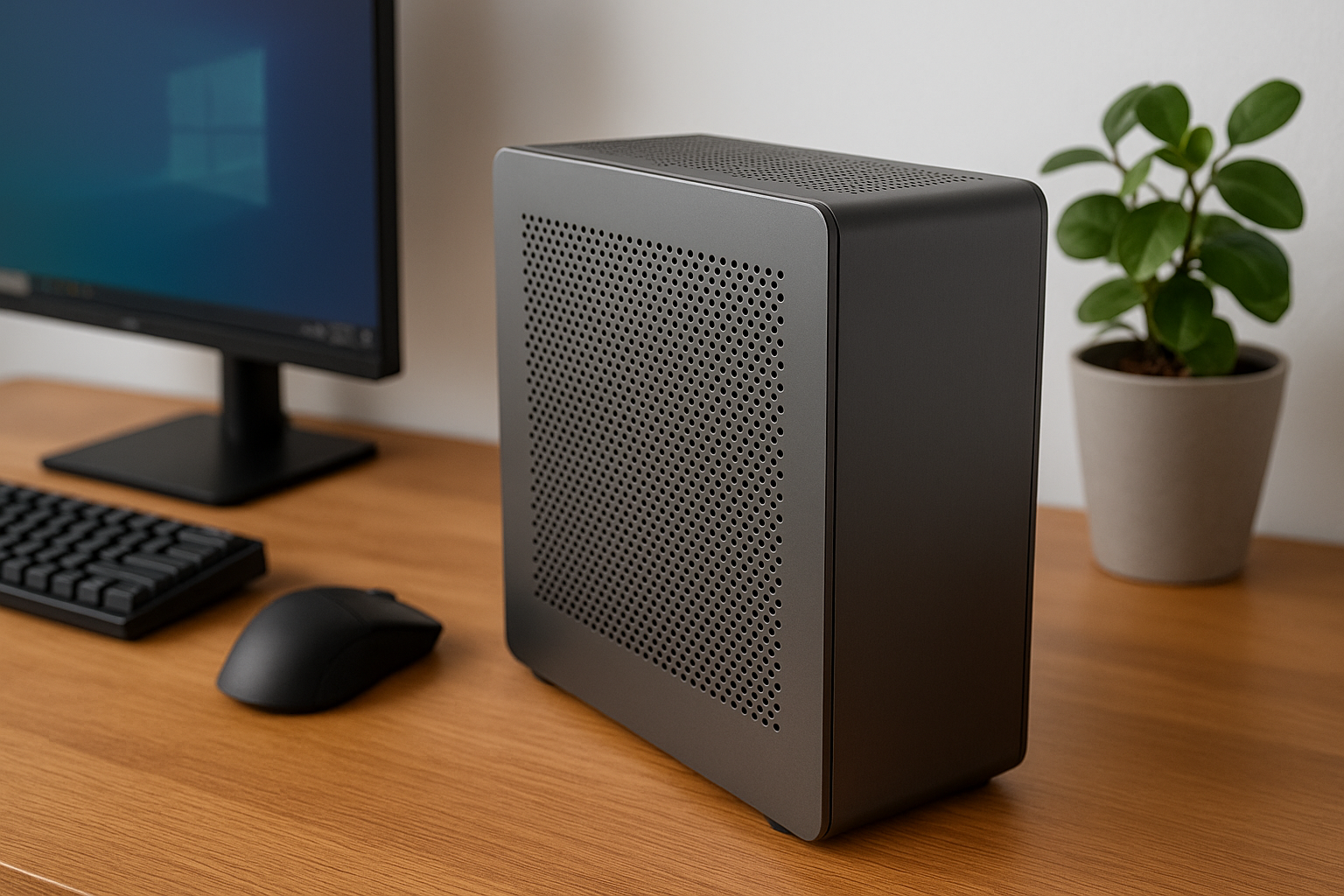
As remote work becomes the default for many professionals, the need for space-saving, quiet, and powerful PCs is more important than ever.
In 2025, Small Form Factor (SFF) builds are no longer reserved for tech enthusiasts or gamers—they’re ideal for anyone who wants a minimalist, silent, and high-performance system for serious productivity.
But SFF and silence don’t always go hand in hand. Smaller cases tend to have less airflow and tighter component spacing, both of which contribute to heat buildup and, ultimately, noise.
However, with careful component selection and thoughtful assembly, you can build a silent SFF PC that punches far above its weight in performance.
In this guide, we’ll explore how to build a truly silent SFF office PC without compromising power, ensuring you can work in peace and style from even the smallest of spaces.
Why Choose a Silent SFF PC?
Small Form Factor PCs are compact systems that typically use Mini-ITX or Micro-ATX motherboards and fit into cases under 20 liters in volume. Their benefits go far beyond aesthetics:
Save desk space or fit in tight areas
Minimalist and modern design
Easier to relocate or travel with
Can be completely silent with proper parts
Energy-efficient and cooler overall if designed well
For professionals in writing, development, design, accounting, project management, or customer service, a silent SFF PC can be a dream machine that supports long hours of work without distraction.
Planning Your Silent SFF Build
The key to success is balance. You’ll need to match your components carefully to ensure low power draw, low heat output, and sufficient thermal headroom—all in a compact case.
Essential Priorities:
Use a CPU with integrated graphics if you don’t need a dedicated GPU
Choose passive or ultra-quiet cooling solutions
Optimize airflow with high-quality, low-RPM fans
Use solid-state storage exclusively
Select a case that favors silent airflow or passive dissipation
Undervolt where possible to reduce power and heat
Let’s go step by step.
Selecting the Right CPU
The CPU is the largest heat source in any SFF system. For silence, efficiency is key.
Recommended CPUs for Silent SFF Office PCs:
AMD Ryzen 7 8700G
8 cores, integrated Radeon 780M
65W TDP, with excellent performance for productivity
Works well with passive or low-noise coolers
Intel Core Ultra 7 155H
New hybrid architecture
Excellent energy scaling
Arc graphics integrated, smooth dual monitor support
AMD Ryzen 5 5600G
Affordable, 6-core APU
Great for budget builds
Easily cooled quietly in compact systems
Avoid high-TDP “X” or “K” series CPUs unless you’re using semi-passive cooling and airflow-focused cases.
Best Mini ITX Motherboards
Since you’re limited to small form factors, Mini ITX is the most common SFF motherboard format.
Key features to look for:
Passive chipset cooling
Smart fan control BIOS
Efficient VRMs
Wi-Fi 6E and Bluetooth
Two M.2 NVMe slots
USB-C header (for modern front I/O)
Recommended models:
ASRock B650E PG-ITX
ASUS ROG STRIX B760-I
Gigabyte B650I AORUS Ultra
MSI MPG B650I Edge Wi-Fi
Memory: Go Low Profile and Efficient
RAM modules don’t create noise, but they can generate heat in cramped spaces.
Ideal configuration:
32GB DDR5 (2x16GB)
Low-profile heatspreaders
5600MHz or higher
1.1V–1.25V voltage range
Brands like G.Skill, Corsair, and Kingston offer SFF-optimized modules.
Storage: Silence Through SSDs
Never install mechanical drives in a silent SFF build.
Recommended drives:
Samsung 990 Pro – Fast and reliable
WD SN850X – High capacity, great thermal management
Crucial P5 Plus – Budget-friendly
Kingston KC3000 – Excellent for multitasking
Install one on the top slot (with heatsink) and keep cables minimal by skipping SATA entirely.
CPU Cooling for SFF Silence
Due to case limitations, you’ll need a low-profile or passive cooler.
Best Options:
Noctua NH-L12S
Low-profile and near silent
Fits most SFF cases
Great performance with 65W CPUs
Thermalright AXP90 X47 Black
Excellent in 47mm height
Ultra quiet fan included
Budget-conscious
Noctua NH-P1
Passive only
Requires mesh-sided case or vertical convection
No moving parts—absolute silence
Arctic Alpine 23 Passive
Budget passive option for 35W–65W CPUs
Aluminum block design
Use high-quality thermal paste like Noctua NT-H2 or Arctic MX-6 for optimal heat transfer.
GPU: Yes or No?
Most office builds don’t need a discrete GPU. However, if you require more than two displays, hardware-accelerated design tools, or GPU-based productivity, a passive or low-wattage card may be needed.
Fanless GPU options:
Palit GTX 1650 KalmX
ASUS RTX 4060 Noctua Edition (semi-passive)
Sapphire RX 6400 Silent Edition
Avoid blower or reference cards in SFF cases
If using integrated graphics, the Radeon 780M or Intel Arc iGPU can handle dual 1440p or even dual 4K monitors for productivity.
Power Supplies for Silence and SFF
You’ll likely need an SFX or SFX-L PSU for a true SFF case. Silent models exist in both formats.
Best silent SFX PSUs:
Seasonic Prime Fanless TX-500 (with SFX adapter)
Corsair SF750 Platinum – Zero RPM fan mode
SilverStone Nightjar NJ450-SXL – Passive and modular
be quiet! SFX-L Power 500W – Hybrid fan design
Aim for 80+ Gold or higher efficiency for better thermals.
The Silent SFF Case
Your case is your acoustic and airflow barrier. Look for smart layouts and silent-friendly features.
Top Silent SFF Cases:
Fractal Terra
9.1L ITX case
Premium materials
Room for Noctua NH-L12S
Compatible with SFX PSUs
Streacom DA2 V2
Modular internal design
Supports passive cooling
All-aluminum, fanless-friendly
Optional sound insulation panels
SilverStone SUGO 16
Compact cube layout
Mesh sides for airflow
Fits dual-slot GPUs and 120mm coolers
Cooler Master NR200P
Great airflow
Minimal fan noise at low RPMs
Tons of modding potential
Fans and Airflow in Small Spaces
If you’re not going 100% passive, one or two slow-spinning fans can help manage thermals.
Recommended fans:
Noctua NF-A9x14
Arctic F8 Silent
be quiet! Pure Wings 2 80mm
Scythe Kaze Flex Slim
Use FanControl software to create temperature-based RPM curves.
Fan tips for SFF:
Use intake and exhaust fans—avoid positive pressure in small cases
Run fans at 500–600 RPM max
Keep cable clutter to a minimum to preserve airflow
Elevate the case slightly to allow bottom intake
Peripherals and Accessories for a Silent Office
Silence isn’t just internal—your keyboard, mouse, and environment all contribute to the final acoustic experience.
Keyboards:
Logitech MX Keys S
Keychron Q1 with Silent Reds
Topre Realforce R2 Silent
Apple Magic Keyboard
Mice:
Logitech MX Master 3S
Microsoft Surface Precision Mouse
Logitech M330 Silent
Razer Pro Click Mini
Desk Accessories:
Soft desk mat (SteelSeries, Razer, Glorious)
Monitor arm to prevent desk vibration
Cable tray to reduce clutter and contact noise
Noise-absorbing foam or felt near the case
Placement and Positioning
Where you place the PC matters.
Position on a shelf below the desk or behind your monitor
Avoid placing near corners (sound amplifies)
Use anti-vibration rubber pads if placing on a hard surface
If passive, ensure airflow paths are unobstructed (especially vertical convection)
Power Management and Undervolting
Silence also comes from smart tuning.
Enable Windows balanced or silent power plan
Undervolt CPU and GPU (e.g., via Ryzen Master or Intel XTU)
Set minimum processor state to 5% in power settings
Disable RGB lighting or fans in BIOS
These optimizations reduce thermal load and fan need.
Real-World Silent SFF Build (2025)
Use case: Productivity, meetings, multitasking, dual monitor
Case: Fractal Terra
CPU: AMD Ryzen 7 8700G
Cooler: Noctua NH-L12S
Motherboard: ASUS B650I
RAM: 32GB DDR5
Storage: 2TB Samsung 990 Pro
GPU: Integrated Radeon 780M
PSU: Corsair SF750 Platinum
Noise level: 0 dBA idle, 18 dBA load
Footprint: Less than 10L
Performance: Flawless multitasking and total silence
Final Thoughts
A silent Small Form Factor PC used to be a contradiction. In 2025, it’s not only possible—it’s ideal for modern office work.
Whether you work from a cozy apartment, a compact home studio, or a minimalist desk setup, your silent SFF PC can be the centerpiece of a more focused, elegant, and productive environment.
With smart parts selection, optimized airflow, and attention to acoustic detail, you’ll forget your PC is even there—until you realize how much more you’re getting done.

Chris Dalton is a tech enthusiast with a passion for helping others build high-performance PCs on a budget. He shares practical advice, in-depth guides, and honest insights to empower freelancers, gamers, and creators to get the most out of their hardware. With hands-on experience and a focus on smart, affordable solutions, Carlos Eduardo turns complex tech into accessible knowledge for all.