
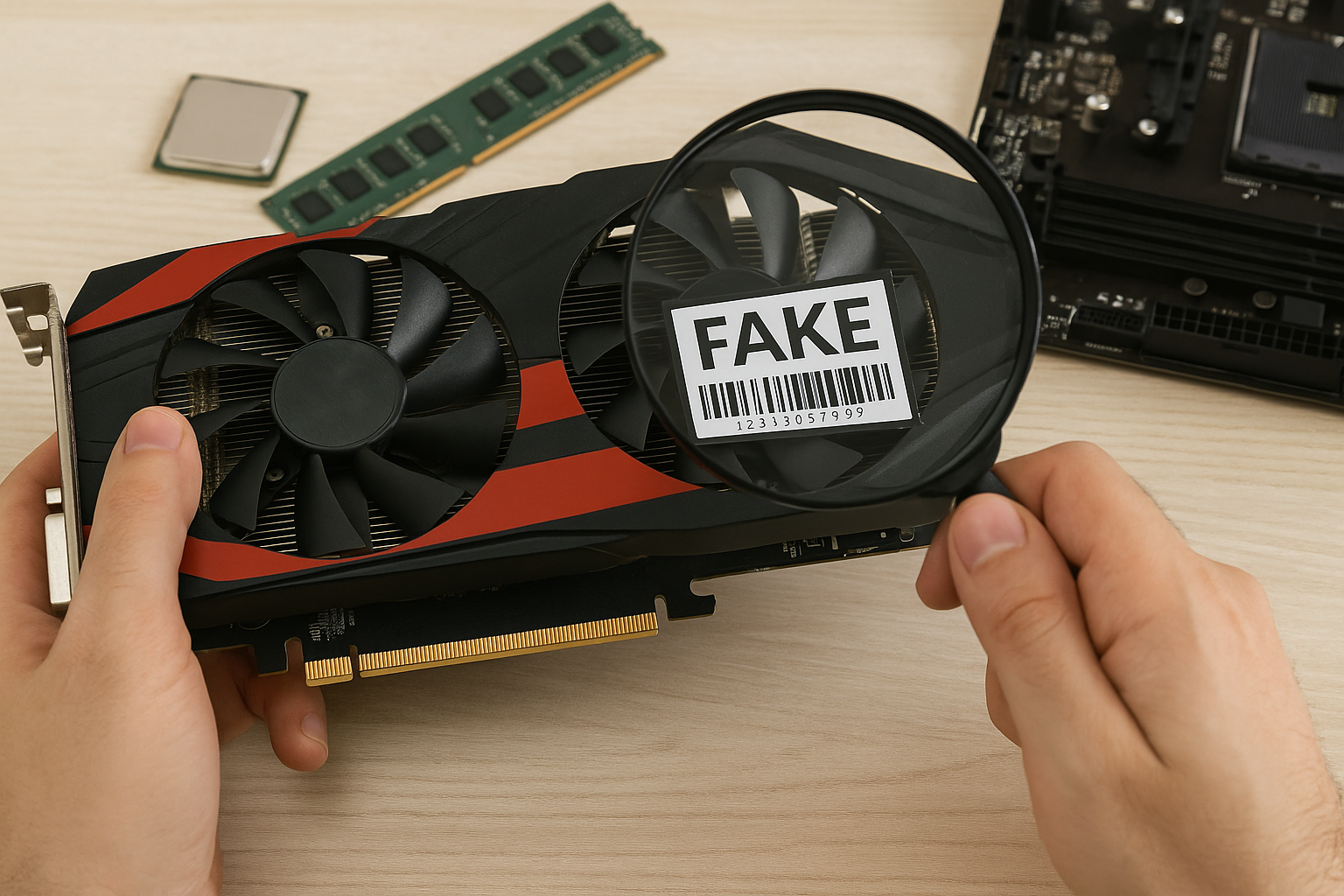
Buying used PC parts online is a great way to save money and access hardware that might no longer be available new.
However, with the rise of counterfeit electronics and shady resellers, knowing how to identify fake components is more critical than ever—especially in 2025, when visual forgeries and modified parts have become increasingly convincing.
This guide will teach you how to spot counterfeit CPUs, GPUs, SSDs, RAM, and more when shopping for used hardware online, so you can protect your budget—and your build.
Why Counterfeit PC Parts Are a Real Problem
Counterfeit components aren’t just scams—they can pose real risks to your system:
- Fake branding: Low-end hardware rebranded as high-end parts.
- Tampered firmware: Misleading BIOS that reports false specs.
- Performance failure: Components that crash under load or overheat quickly.
- Warranty voids: Counterfeit goods are not covered by any manufacturer support.
And because many secondhand parts come without the original packaging, detection gets harder.
Most Common Counterfeit or Misrepresented Parts
Here are the most commonly faked or misrepresented used components in the market today:
1. Graphics Cards (GPUs)
The GPU market is flooded with fraud, including:
- Rebranded mining cards sold as gaming models.
- Fake RTX/GTX cards that are actually old Quadro or GT cards with spoofed BIOS.
- Modified coolers and stickers to imitate newer models.
2. CPUs
While less common, fake CPUs do exist:
- Intel CPUs with sanded-off markings and new laser engravings.
- Old Xeons relabeled as newer Core i7/i9 models.
- Knockoff chips from obscure factories that don’t function properly.
3. SSDs and USB drives
These are extremely common targets:
- Firmware-hacked drives that report larger storage than they actually offer.
- Cloned SSDs with poor performance and zero durability.
- No-name brands with fake controller chips.
4. RAM
Fake RAM typically involves:
- Lower capacity than labeled (e.g., 4GB stick labeled as 8GB).
- Incompatible timings or frequency claims.
- Recycled or dead chips resoldered onto new PCBs.
Warning Signs: How to Identify a Fake Before You Buy
1. Too Good to Be True Pricing
If a GPU that normally sells for $150 is listed for $70, be suspicious. Compare average prices on:
- eBay
- PCPartPicker (historical trends)
- Reddit /r/hardwareswap
Low prices attract buyers but often indicate knockoffs.
2. No Real Photos
Listings with stock images or generic photos should raise flags. Always look for:
- Close-ups of serial numbers and labels.
- Photos of the actual component—not just the box.
Ask the seller for more photos if needed.
3. No Original Packaging or Accessories
While not all used parts include boxes, a lack of packaging, missing heatsinks, or broken seals might suggest tampering.
Look out for:
- No branded stickers.
- Bare or mismatched heatsinks.
- “Loose” CPUs in unpadded envelopes.
4. Inconsistent Labeling or Spelling Errors
Counterfeiters often make subtle errors. Watch for:
- Wrong font or sizing on labels.
- Spelling mistakes (e.g., “Memmory” or “Grahpics”).
- Inconsistent coloring or misshaped logos.
Compare with official product images on the manufacturer’s site.
5. Suspicious Seller History
On platforms like eBay or AliExpress:
- Check seller feedback and past listings.
- Look for high return volumes or poor reviews.
- Avoid newly created seller accounts with no history.
Top-rated sellers with detailed descriptions are more trustworthy.
After Buying: How to Verify Component Authenticity
Even after purchase, it’s critical to test and verify each used part.
1. Use Identification Software
Tools that verify real specs include:
- GPU-Z – For graphics cards.
- CPU-Z – For processors.
- CrystalDiskInfo – For SSDs and HDDs.
- Thaiphoon Burner – For RAM info.
Compare reported specs to what’s printed on the label. If they don’t match, the part is likely fake.
2. Run Benchmarks
Use software like:
- Cinebench (for CPU)
- FurMark or 3DMark (for GPU)
- AS SSD Benchmark (for SSDs)
If the scores are way below expected, something may be off.
3. Inspect the Hardware Physically
Disassemble the heatsink if necessary. Watch for:
- Mismatched thermal paste patterns.
- Generic or unlabeled chips.
- Labels glued onto existing parts.
Many counterfeit SSDs, for example, contain empty shells with no NAND chips.
4. Scan Serial Numbers
Go to the official brand website and:
- Check serials for authenticity.
- Register products (if possible).
- Confirm date of manufacture.
If the serial is invalid, reused, or already registered, that’s a red flag.
Platforms with the Highest and Lowest Risk
| Platform | Trust Level | Tips |
|---|---|---|
| Amazon Renewed | High | Backed by warranty, vetted sellers |
| eBay (Top Rated Sellers) | Medium–High | Stick to sellers with strong history |
| AliExpress | Low | High number of fake components |
| Facebook Marketplace / Craigslist | Low | High risk, inspect in person |
| Newegg Refurbished | High | Refurbished items often tested and backed by return policy |
| Reddit /r/hardwareswap | Medium | Trust-based, but strong community moderation |
What to Do If You Receive a Fake
If you suspect you received a fake part:
- Stop using it immediately to avoid damaging your system.
- Document everything – photos, screenshots, benchmarks.
- Open a dispute on the platform (eBay, PayPal, Amazon).
- Contact the seller politely, but firmly, requesting a refund or replacement.
- Report the listing to the platform for future buyers’ safety.
Do not attempt to repair or resell counterfeit parts—it’s illegal and dangerous.
Tips to Avoid Getting Scammed
- Never pay via wire transfer or cryptocurrency unless you 100% trust the seller.
- Avoid overseas sellers for high-value components.
- Buy from sellers who offer returns and at least 30-day guarantees.
- Use buyer protection services where available (PayPal, Amazon A-to-Z).
- Look for verified refurbished listings, not just “used.”
Final Thoughts: Trust, But Verify
Buying used PC parts is a great way to build a solid system on a budget—but counterfeit hardware is a serious risk. If a deal seems too good to be true, it usually is.
Learn how to recognize the warning signs, use the right tools to verify your gear, and don’t hesitate to return or report any fraudulent hardware.
Knowledge is your best defense in 2025. When in doubt—walk away.

Chris Dalton is a tech enthusiast with a passion for helping others build high-performance PCs on a budget. He shares practical advice, in-depth guides, and honest insights to empower freelancers, gamers, and creators to get the most out of their hardware. With hands-on experience and a focus on smart, affordable solutions, Carlos Eduardo turns complex tech into accessible knowledge for all.