
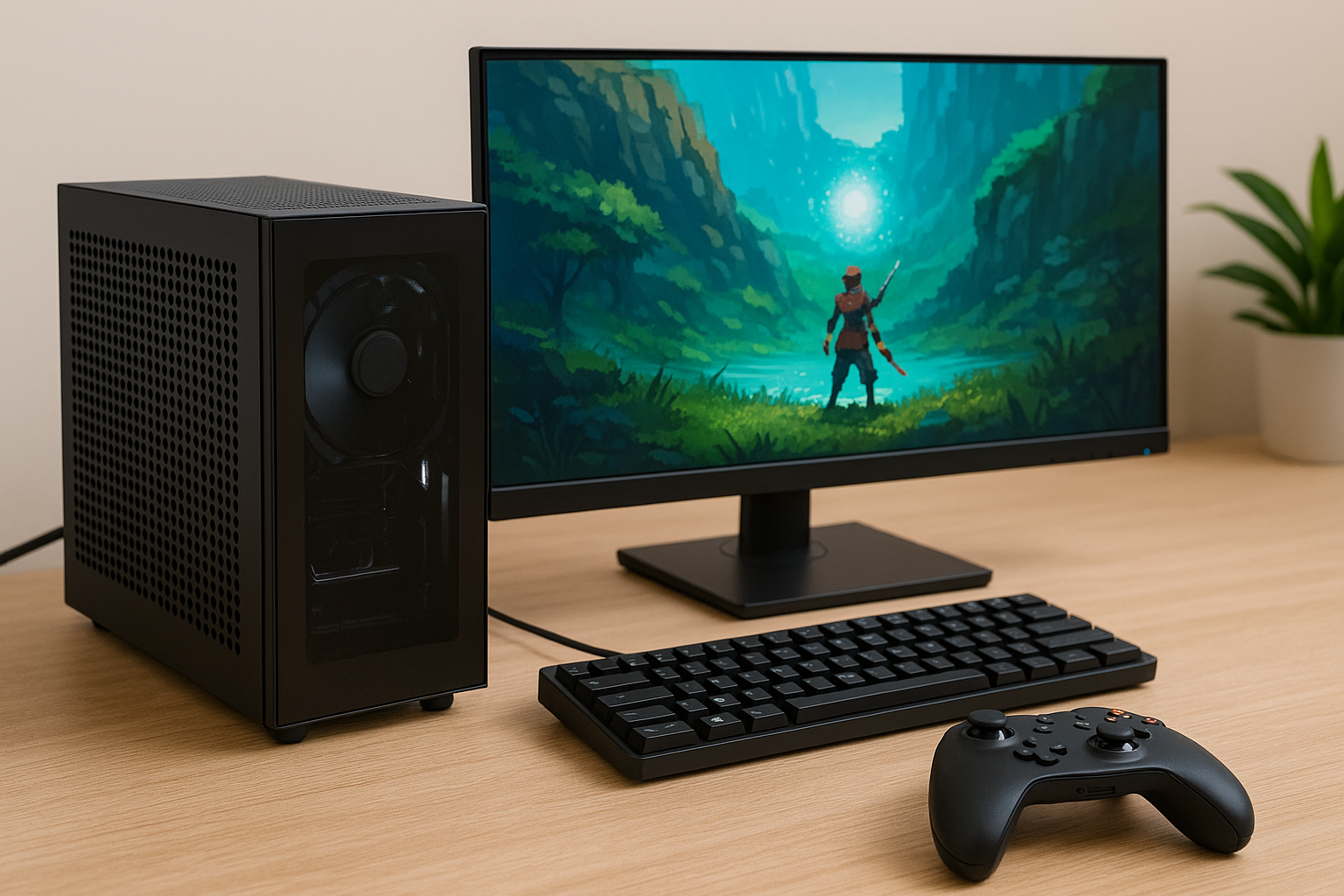
The gaming world is more accessible than ever, and in 2025, you don’t need a powerful dedicated GPU to enjoy great titles.
With improvements in integrated graphics like AMD Radeon Vega and Intel Iris Xe, many games now run smoothly on entry-level systems.
Whether you’re building a budget PC or simply want to game casually without extra hardware, integrated graphics can surprise you.
In this guide, we’ll explore the top games you can play with integrated graphics in 2025, how to optimize your experience, and what you should know before diving in.
Why Integrated Graphics Matter in 2025
Integrated GPUs are no longer just for office work and Netflix. They’ve evolved into legitimate options for light and even mid-range gaming.
Manufacturers like AMD and Intel have made huge strides in delivering more performance per watt and better driver support.
In 2025, integrated graphics are not only affordable but also power-efficient and compact. With energy prices on the rise and GPU prices still volatile, many users are turning to integrated options to build compact and cost-effective gaming machines.
What You Can Expect from Modern iGPUs
Modern integrated graphics, such as AMD’s Radeon 780M and Intel’s latest Iris Xe refresh, offer solid 720p to 1080p gaming performance in many titles.
While you won’t be maxing out ultra settings, medium or even low settings can still deliver a smooth experience in most games.
Frame rates between 30–60 FPS are typical, especially with good optimization and tweaks. This makes iGPUs ideal for genres like indie games, esports, and older AAA titles.
Top 10 Games That Run Surprisingly Well
Here are ten titles that run great on modern integrated graphics without needing a dedicated GPU:
1. Valorant
This hero shooter from Riot Games is incredibly optimized. Even on older integrated GPUs, you can get 60+ FPS. On modern iGPUs, 1080p at medium-high settings is very doable.
2. Stardew Valley
This pixel-art farming sim doesn’t need much to run smoothly. It’s relaxing, addictive, and runs flawlessly on any iGPU.
3. Rocket League
High-speed, physics-based soccer with cars? Yes, please. This game runs surprisingly well, and you can hit 60 FPS on medium settings with most modern iGPUs.
4. CS2 (Counter-Strike 2)
The Source 2 engine has been optimized for performance. Even though it’s more demanding than CS:GO, you can still game comfortably at lower settings and lower resolutions.
5. League of Legends
Another Riot title known for great optimization. You can easily play on integrated graphics at 1080p with good frame rates.
6. Minecraft
Java edition with Optifine or Bedrock edition without mods both work well. You may need to limit render distance, but integrated GPUs can handle it just fine.
7. Undertale / Deltarune
These cult classics are easy to run and deeply engaging. Perfect for laptops and budget builds.
8. Celeste
This beautiful platformer has stunning pixel art and smooth gameplay. A great choice for integrated GPU setups.
9. Slay the Spire
Combining deck-building with roguelike mechanics, it runs on almost anything and offers endless replayability.
10. The Sims 4
Still popular and very playable. Even with expansion packs, medium settings at 720p–1080p are well within reach.
Honorable Mentions
- Terraria
- Hades
- Hollow Knight
- Team Fortress 2
- Portal 2
- Left 4 Dead 2
- Age of Empires II: Definitive Edition
- Dead Cells
- RimWorld
- Don’t Starve Together
These games all have one thing in common: they scale well on low-end hardware and don’t require discrete GPUs.
Tips to Optimize Gaming on Integrated Graphics
Even the best-integrated GPU won’t help if your system isn’t well optimized. Here are a few essential tips to improve performance:
Lower Your Resolution
Dropping from 1080p to 900p or 720p can drastically improve frame rates without ruining the experience.
Adjust In-Game Settings
Turn off unnecessary effects like motion blur, anti-aliasing, shadows, and reflections. Use presets or tweak settings manually for balance.
Update Your Drivers
Always keep your graphics drivers up to date. AMD and Intel release performance patches often.
Enable FSR or XeSS When Available
AMD FidelityFX Super Resolution (FSR) and Intel XeSS are now supported by many games. They allow you to play at lower resolutions upscaled with better visuals.
Use Game Mode and Power Settings
Enable Game Mode in Windows and set your power plan to “High Performance.” This prioritizes your system resources for gaming.
Close Background Programs
Running apps like browsers, updaters, and even Discord can consume memory and CPU. Close them before launching your game.
Building an iGPU-Only System in 2025
Thinking about building a PC without a dedicated GPU? It’s more viable than ever. Here’s what to keep in mind:
Choose the Right APU or CPU
For AMD, Ryzen 5 8600G or 8700G with Radeon 780M is a great choice. For Intel, look at Core Ultra 7 models with Iris Xe graphics.
Use Dual-Channel RAM
Integrated graphics use system RAM, and bandwidth matters. Dual-channel memory (2x8GB or 2x16GB) drastically improves GPU performance.
Consider a Compact Case
iGPU systems run cooler and don’t need a large GPU. This allows you to build a clean, compact Mini-ITX or SFF system.
SSD is a Must
Avoid hard drives. SSDs improve load times and overall system responsiveness. Even budget NVMe drives are cheap and fast in 2025.
What Not to Expect
Let’s be realistic—integrated graphics have limitations.
Don’t expect:
- Ray tracing
- Ultra settings at 1440p or 4K
- Consistent 60+ FPS in modern AAA games
- VR gaming
They’re great for entry-level or casual gaming, but not replacements for a mid-range or high-end GPU when chasing performance-heavy titles.
How to Know If a Game Will Run
Before buying a game, here’s what to do:
- Check the game’s minimum specs on Steam or Epic Games.
- Look up benchmarks on YouTube for your exact iGPU model.
- Visit forums like Reddit or Tom’s Hardware for user experiences.
- Use CanYouRunIt.com or PCGameBenchmark.com to test your setup.
This research saves time, money, and disappointment.
Why It’s a Great Time for Budget Gamers
Gaming used to be an expensive hobby. Now, with better access to games, improved hardware integration, and budget-friendly storefronts, you don’t need to spend thousands to have fun.
Subscription services like Xbox Game Pass for PC and cloud gaming (e.g., GeForce NOW or Xbox Cloud) also expand your library even if your hardware is limited.
Integrated graphics let more people enjoy gaming, and that’s a win for everyone.
Final Thoughts on Gaming with iGPU
Integrated graphics have come a long way. In 2025, they are no longer just a fallback option—they are a smart and capable solution for many gamers.
Whether you’re on a tight budget, building a compact PC, or simply trying out gaming casually, iGPUs can deliver an enjoyable experience with the right setup and game selection.
Pick the right titles, tweak your settings, and game on.
Here’s to proving that you don’t need a big GPU to have big fun.

Chris Dalton is a tech enthusiast with a passion for helping others build high-performance PCs on a budget. He shares practical advice, in-depth guides, and honest insights to empower freelancers, gamers, and creators to get the most out of their hardware. With hands-on experience and a focus on smart, affordable solutions, Carlos Eduardo turns complex tech into accessible knowledge for all.