
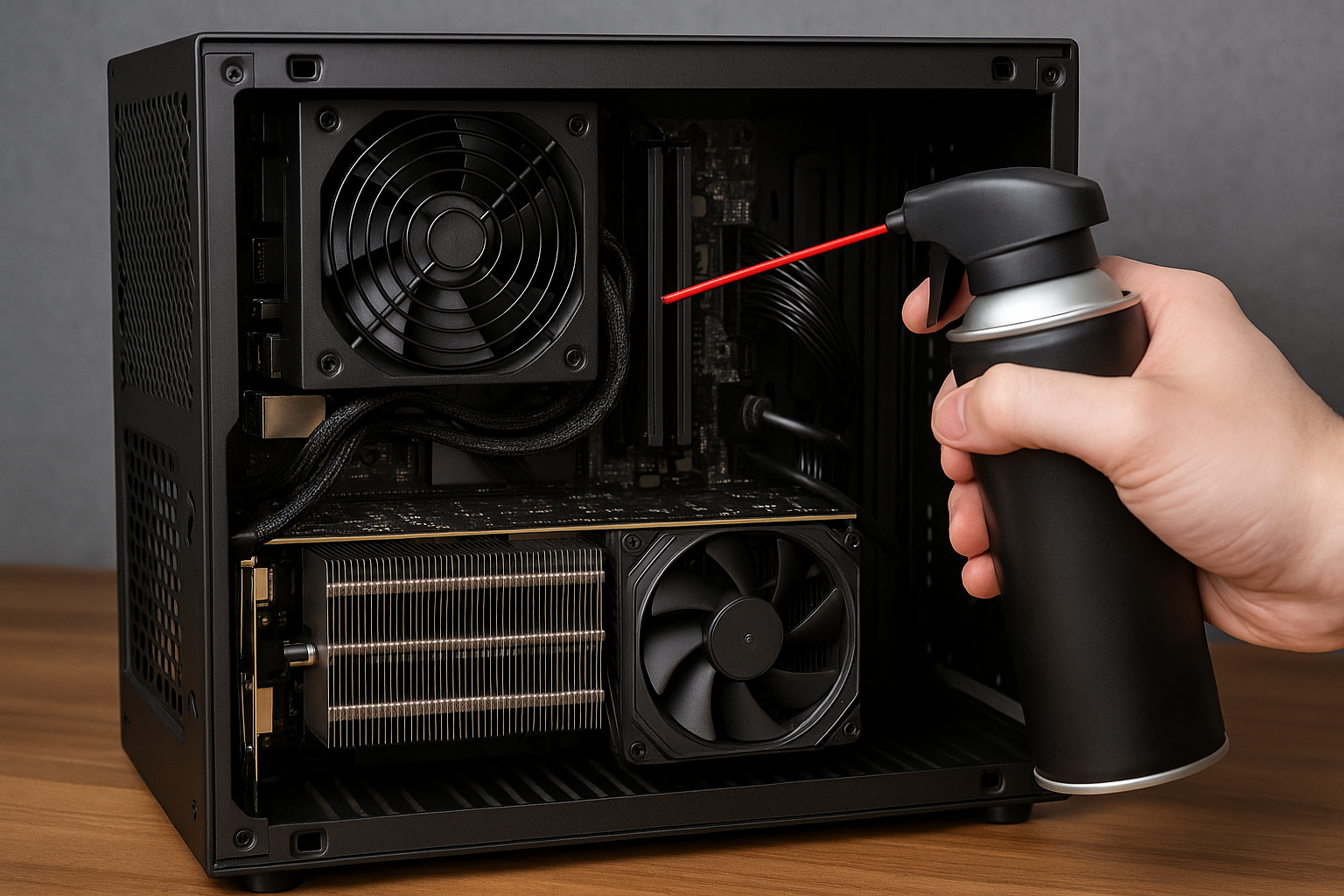
Building a Mini SFF PC is only the first step. To keep a compact system performing at its best, regular maintenance is essential.
Due to their small size, Small Form Factor PCs are more sensitive to dust, heat buildup, and component stress than larger systems.
In 2025, Mini SFF PCs are powerful enough to handle demanding tasks, but they require proper care to remain quiet, cool, and reliable over time. Neglecting maintenance can lead to higher temperatures, reduced performance, and shortened component lifespan.
This guide explains how to properly maintain a Mini SFF PC, covering cleaning routines, safe upgrade practices, and long-term longevity strategies.
Why Maintenance Is More Important in Mini SFF PCs
Mini SFF systems operate in tight spaces.
Airflow paths are shorter, and components are placed closer together. This means dust accumulation and heat buildup affect performance more quickly than in ATX cases.
Even small issues, like a clogged vent or loose cable, can significantly raise temperatures. Regular maintenance prevents minor problems from becoming serious ones.
A well-maintained Mini SFF PC stays efficient and quiet for years.
How Often You Should Maintain a Mini SFF PC
Maintenance frequency depends on your environment.
Dusty rooms, pets, and high usage require more frequent care. Clean environments need less frequent attention.
General guidelines:
- Light cleaning every 1 to 2 months
- Deep cleaning every 6 months
- Thermal inspection once per year
Consistency matters more than intensity.
Safe Preparation Before Cleaning
Before performing any maintenance, preparation is critical.
Always:
- Power down the system completely
- Unplug all cables
- Ground yourself to avoid static discharge
- Work on a clean, flat surface
Safety protects both you and your components.
Opening a Mini SFF Case Carefully
Mini SFF cases are compact and tightly assembled.
Removing panels requires patience. Forcing panels can bend metal or damage mounting clips.
Take your time:
- Remove screws in a safe order
- Keep screws organized
- Avoid pulling cables accidentally
- Note component placement before removal
Careful disassembly makes reassembly easier.
Dust Removal: The Right Way
Dust is the biggest enemy of Mini SFF PCs.
It blocks airflow, insulates heat, and increases fan noise. Because of small vents, dust accumulates faster in SFF cases.
Effective dust removal includes:
- Compressed air bursts
- Soft brushes for stubborn dust
- Cleaning fans individually
- Avoiding vacuum cleaners inside the case
Gentle cleaning prevents damage.
Cleaning Fans and Filters
Fans and filters collect the most dust.
Clogged fans spin faster and louder, increasing wear. Dirty filters restrict airflow and raise temperatures.
Best practices:
- Remove filters and clean separately
- Hold fan blades when blowing air
- Wipe fan frames gently
- Ensure fans spin freely after cleaning
Clean fans restore airflow efficiency.
Maintaining CPU Cooling Performance
CPU cooling degrades over time.
Dust buildup and aging thermal paste reduce heat transfer. In Mini SFF systems, this impact is amplified.
Maintenance steps include:
- Cleaning CPU cooler fins
- Checking fan operation
- Replacing thermal paste every 2 to 3 years
- Ensuring cooler mounting pressure is secure
Proper CPU cooling ensures sustained performance.
GPU Cleaning and Inspection
The GPU is often the hottest component.
Dust buildup on GPU fans and heatsinks leads to thermal throttling and noise.
When cleaning the GPU:
- Use compressed air carefully
- Avoid touching sensitive components
- Check fan bearings for noise
- Inspect power connectors
A clean GPU runs cooler and quieter.
Cable Management During Maintenance
Maintenance is the perfect time to improve cable management.
Over time, cables may shift or loosen, blocking airflow paths.
Use maintenance sessions to:
- Re-route cables along case edges
- Remove unused cables
- Secure loose connectors
- Improve airflow clearance
Better cable management improves thermals instantly.
Monitoring Temperatures After Cleaning
Always check temperatures after maintenance.
Cleaning should result in noticeable temperature improvements. If temperatures remain high, further adjustments may be needed.
Monitor:
- Idle temperatures
- Load temperatures
- Fan noise behavior
- System stability
Monitoring confirms maintenance success.
Upgrading Components in Mini SFF PCs
Upgrades require careful planning in SFF systems.
Limited space means compatibility is critical. Not all components fit or cool equally well.
Before upgrading:
- Check physical dimensions
- Verify power requirements
- Confirm thermal capacity
- Plan installation order
Preparation prevents costly mistakes.
Storage Upgrades Made Easy
Storage upgrades are among the easiest improvements.
Most Mini SFF systems support multiple SSDs, often including NVMe drives.
Best practices:
- Use heatsinks for NVMe SSDs
- Keep storage away from heat sources
- Organize data before installation
Fast storage upgrades boost responsiveness.
RAM Upgrades and Compatibility
RAM upgrades improve multitasking.
However, Mini ITX motherboards have limited slots. Compatibility is essential.
When upgrading RAM:
- Match memory speeds and timings
- Use dual-channel kits
- Check BIOS compatibility
- Update BIOS if needed
Proper RAM upgrades ensure stability.
GPU Upgrades Without Overheating
GPU upgrades are the most challenging.
Larger or more powerful GPUs may exceed cooling capacity. Thermal planning is critical.
Consider:
- GPU length and thickness
- Cooling design
- Power consumption
- Case airflow capability
Efficiency matters more than raw power.
Power Supply Longevity and Inspection
PSUs age over time.
In Mini SFF builds, PSUs operate close to other heat sources, which can accelerate wear.
Maintenance includes:
- Checking cable condition
- Listening for unusual noises
- Ensuring proper ventilation
- Avoiding dust buildup near PSU vents
A healthy PSU protects all components.
Software Maintenance and Updates
Hardware maintenance works best with software care.
Keeping systems updated improves performance and stability.
Key software tasks:
- Update BIOS when stable versions are available
- Keep GPU drivers current
- Update chipset drivers
- Monitor system health tools
Software updates complement physical maintenance.
Managing Long-Term Heat Exposure
Long-term heat shortens component lifespan.
Even if temperatures seem acceptable, sustained heat accelerates degradation.
Longevity strategies include:
- Conservative fan curves
- Undervolting CPU and GPU
- Avoiding unnecessary overclocks
- Maintaining clean airflow paths
Lower heat equals longer life.
Signs Your Mini SFF PC Needs Maintenance
Some signs should not be ignored.
Watch for:
- Rising temperatures
- Louder fans
- Reduced performance
- Unexpected shutdowns
Early intervention prevents serious issues.
Creating a Maintenance Routine
Consistency is the key to longevity.
A simple routine keeps your Mini SFF PC running like new.
Example routine:
- Monthly visual inspection
- Bi-monthly dust check
- Semi-annual deep cleaning
- Annual thermal review
Routine care saves time and money.
Why Maintenance Protects Your Investment
Mini SFF PCs are premium systems.
Their compact design requires higher-quality components and careful planning. Maintenance protects this investment.
A well-maintained Mini SFF PC delivers:
- Stable performance
- Lower noise levels
- Longer component lifespan
- Better user experience
Care pays off.
Keeping Your Mini SFF PC Reliable for Years
In 2025, Mini SFF PCs are powerful and capable, but they depend on proper care.
With regular cleaning, thoughtful upgrades, and temperature management, a compact system can remain reliable for many years. Maintenance is not optional in SFF builds, it is essential.
Taking care of your Mini SFF PC ensures it continues to perform at its best long after the initial build.

Chris Dalton is a tech enthusiast with a passion for helping others build high-performance PCs on a budget. He shares practical advice, in-depth guides, and honest insights to empower freelancers, gamers, and creators to get the most out of their hardware. With hands-on experience and a focus on smart, affordable solutions, Carlos Eduardo turns complex tech into accessible knowledge for all.