
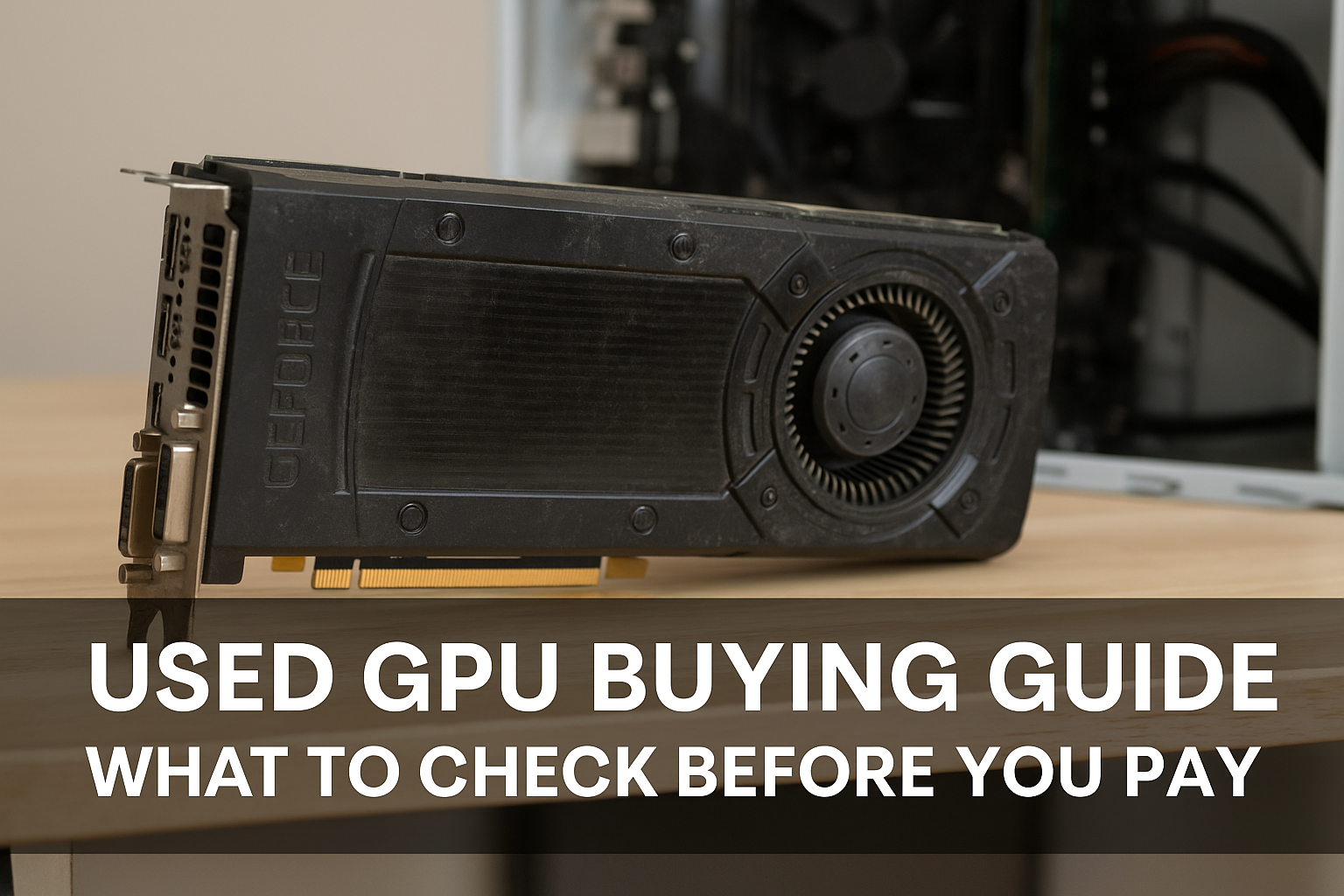
Graphics cards are some of the most in-demand and expensive components in a PC build—especially for gamers, video editors, 3D designers, and crypto miners.
With the rapid pace of GPU development and high MSRP of newer cards, many buyers turn to the used GPU market to get better performance for less.
But buying a used graphics card can be risky if you don’t know what to look for.
In this detailed guide, you’ll learn:
- Where to buy used GPUs safely
- Red flags to avoid
- How to inspect and test a GPU before buying
- What questions to ask the seller
- How to spot signs of mining, overheating, or counterfeit models
Whether you’re buying a mid-range card for budget gaming or a high-end GPU for serious rendering, this guide will help you make a smart, informed purchase.
Why Buy a Used GPU?
Buying second-hand can offer major advantages if you do your homework.
✅ Advantages:
- Lower cost: Save 20–50% compared to new prices
- Access to previous-gen flagships: Great performance at reduced price
- Immediate availability: No waitlists or retail shortages
- Higher performance per dollar: Used GPUs often outperform current budget cards
But it’s not without risk—so let’s learn how to reduce it.
Step 1: Understand Which GPUs Are Worth Buying Used in 2025
Not every GPU is a good deal, even used. Some cards are still overpriced or obsolete.
🔥 Popular used models in 2025:
- NVIDIA: RTX 3060 / 3060 Ti, RTX 3070, RTX 3080
- AMD: RX 6600, 6700 XT, 6800 XT
- Intel: Arc A750, A770 (low cost, good Linux support now)
These offer solid 1080p and 1440p performance for less than new-gen cards.
❌ Models to avoid:
- Anything older than GTX 10 series
- Cards with less than 4GB VRAM
- Mining-farmed GPUs without testing
- GT series or OEM-only cards (poor gaming performance)
Always research performance benchmarks on sites like TechPowerUp or Hardware Unboxed before buying.
Step 2: Decide Where to Buy
The platform you choose impacts both price and safety.
✅ Trusted platforms:
- eBay: Great for buyer protection and global availability
- Reddit’s r/hardwareswap: Strong community and peer ratings
- Facebook Marketplace: Great for local pickups
- OfferUp or Craigslist: Useful for local sales (but riskier)
Avoid obscure sites or new sellers without reviews.
Step 3: Ask the Right Questions
When contacting a seller, ask:
- Why are you selling the GPU?
- Was it used for gaming, mining, or other workloads?
- How old is it? Do you have proof of purchase?
- Have you overclocked or undervolted it?
- Have you tested it recently? Can you show a benchmark?
- Do you have the original box or accessories?
Honest sellers will answer clearly. Avoid vague or defensive responses.
Step 4: Warning Signs of a Bad GPU Purchase
Be cautious if:
- The seller won’t let you test it
- The price is far below market average
- There are signs of tampering (aftermarket cooler, missing labels)
- The card was clearly used in a mining rig
- Seller insists on meeting in a sketchy location
- The listing has blurry photos or no serial number visible
Tip: Always request close-up photos of ports, fans, PCB, and serial numbers.
Step 5: Physical Inspection Checklist
If buying in person, bring a flashlight and look closely for:
🔎 External signs:
- Dust buildup: Not necessarily bad, but excessive dust can mean poor care
- Rust or corrosion: Especially around ports and mounting brackets
- Damaged fans or rattling noise
- Broken or missing thermal pads
- Damaged pins on PCIe connector
🔎 Hidden issues:
- Thermal paste leakage
- Scratches on GPU core (from aftermarket cooler removal)
- Warped PCB: Indicates heat damage
If the card looks heavily modified or abused, walk away.
Step 6: Test Before You Pay (If Possible)
On-site testing steps:
- Plug into a test bench or laptop dock
- Boot into BIOS or Windows
- Check for display output
- Run GPU-Z to confirm specs and memory
- Test fans at 100% (with MSI Afterburner)
- Run Heaven Benchmark or 3DMark for 5–10 minutes
Watch for:
- Artifacts (lines, colors, flickering)
- Crashing or freezing
- Overheating (temps over 85–90°C under load)
- Coil whine (annoying but not harmful)
If you can’t test in person, ask the seller to send screenshots or videos of benchmark results.
Step 7: Spotting a Former Mining GPU
Many GPUs used for cryptocurrency mining have seen 24/7 usage under high temperatures. Some sellers will try to hide that.
Signs it was used for mining:
- Multiple identical GPUs being sold at once
- Missing or replaced thermal pads
- Undervolted settings saved in BIOS
- Extreme dust buildup
- No original box or accessories
- Worn or loud fans
Some mining cards are still usable—but only if tested and discounted. Never pay full price for a former mining GPU.
Step 8: Red Flags for Fake or Counterfeit Cards
Yes, fake GPUs exist. Sellers may reflash BIOS to disguise a lower-end GPU as a newer model.
Common fakes:
- GT 730/1030 flashed as GTX 1050 Ti
- RX 550 fakes
- Chinese rebrands with fake memory
How to check:
- Use GPU-Z and verify specs
- Compare benchmarks to expected performance
- Run TechPowerUp validation through GPU-Z
- Check GPU die and PCB for mismatched branding
If you’re not tech-savvy, stick to reputable sellers or ask for help in forums.
Step 9: Know the Value
Use these tools to find current used pricing:
- eBay → Sold listings
- Reddit → Recent trades in r/hardwareswap
- PCPartPicker → MSRP for comparison
- Facebook → Local market price trends
Example pricing in 2025 (approximate):
| GPU Model | MSRP | Used Price |
|---|---|---|
| RTX 3060 | $329 | $200–240 |
| RX 6700 XT | $479 | $250–290 |
| RTX 3080 | $699 | $320–400 |
| Intel Arc A770 | $349 | $180–210 |
Adjust for condition, age, and seller reputation.
Step 10: Secure the Transaction
If local:
- Meet in a public place (like a cafe or police exchange zone)
- Bring a friend
- Inspect and test before paying
- Use cash or a secure mobile payment method
If shipping:
- Ask for tracking and photos of packaging
- Use PayPal Goods & Services for buyer protection
- Avoid wire transfers or cryptocurrency
Always keep communication in writing in case of disputes.
Bonus: Tips for Replacing Thermal Paste or Pads
If you buy a used GPU and notice high temperatures:
- Remove the cooler carefully
- Clean the old paste with isopropyl alcohol
- Apply new high-quality thermal paste
- Consider replacing thermal pads if they look worn
This can improve cooling and extend the life of the card.
Final Thoughts: Know Before You Buy
Buying a used GPU in 2025 can save you money and help you build a powerful rig on a budget—but only if you take your time, ask the right questions, and inspect thoroughly.
Here’s your quick checklist:
- ✅ Identify the exact model
- ✅ Vet the seller
- ✅ Ask about usage history
- ✅ Inspect for physical damage
- ✅ Test performance and temperature
- ✅ Confirm it’s not fake or reflashed
- ✅ Pay safely and securely
The right used GPU can power your system for years. Just don’t rush the process—and when in doubt, walk away.

Chris Dalton is a tech enthusiast with a passion for helping others build high-performance PCs on a budget. He shares practical advice, in-depth guides, and honest insights to empower freelancers, gamers, and creators to get the most out of their hardware. With hands-on experience and a focus on smart, affordable solutions, Carlos Eduardo turns complex tech into accessible knowledge for all.