
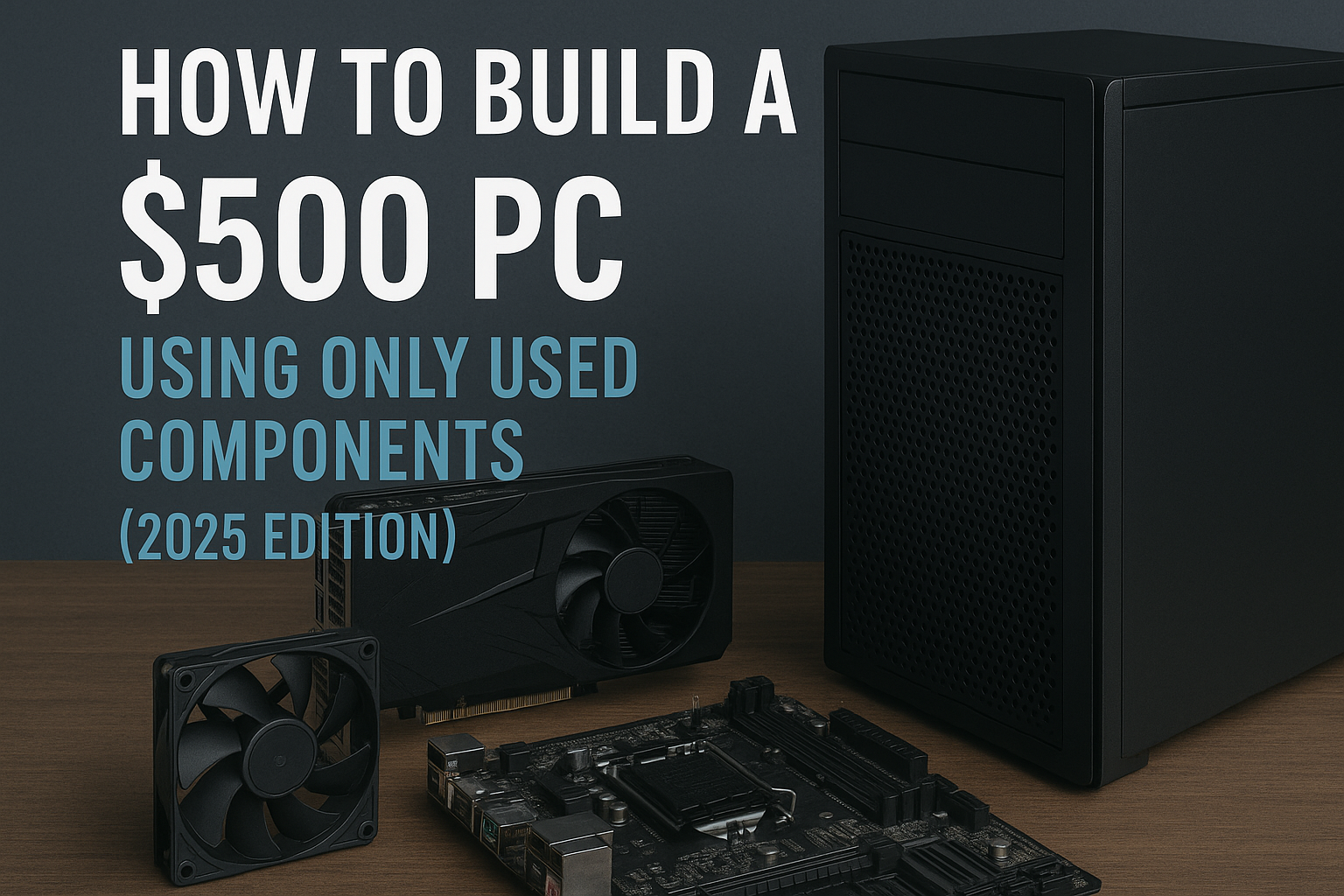
Buying used PC components can significantly reduce costs for small businesses, startups, and even larger IT departments looking to upgrade hardware efficiently.
However, using second-hand parts in a business environment isn’t as straightforward as personal builds. Legal obligations, warranties, data protection, and tax implications all come into play when you’re acquiring used tech for commercial use.
This comprehensive guide explores the key legal and warranty considerations every business should understand when purchasing used PC hardware, along with tips to stay compliant, safe, and efficient.
Avoid headaches and hardware failures—learn how to properly test used PC parts before adding them to your build.
Why Businesses Consider Used PC Components
The reasons for using second-hand PC parts in a business context are similar to those for individuals, but with added emphasis on cost control and ROI.
Key advantages include:
- Budget efficiency: Used components are significantly cheaper than new.
- Legacy system support: Older systems can be maintained using matching used parts.
- Eco-conscious policies: Many companies now favor sustainable hardware practices.
- Rapid scaling: Quickly equip new employees or expand infrastructure.
Still, the risks are also higher when the hardware is mission-critical or customer-facing.
Legal Considerations for Businesses
1. Software Licensing
Used hardware doesn’t always come with valid software licenses. If you’re buying used PCs or laptops:
- Make sure the operating system (e.g., Windows) is legally licensed.
- Refurbished systems should include COA (Certificate of Authenticity) or digital license keys.
- Avoid systems with pirated or cracked software—this opens your business to legal penalties and malware exposure.
If the device doesn’t include a valid OS, you’ll need to purchase a separate volume license or OEM key.
2. Data Protection and Compliance
This is critical for businesses that handle sensitive or customer data.
- Wipe any drives in used systems before repurposing them.
- Use certified data destruction tools (e.g., DBAN, Blancco) to meet GDPR, HIPAA, or ISO standards.
- If you’re reselling or donating systems, ensure data sanitization is complete and documented.
Failure to securely erase drives can result in legal action or regulatory fines.
3. Import/Export Regulations
If you buy used hardware from overseas (e.g., from international eBay sellers):
- Ensure customs declarations and duties are properly filed.
- Confirm certification standards (CE, FCC, etc.) if used hardware will be operated in regulated industries.
- Some countries restrict the import of used electronics due to environmental or recycling regulations.
Consult a compliance officer if your business operates internationally.
4. Resale and Redistribution
Planning to resell used PCs or components?
- You must follow electronic waste laws (e.g., WEEE in Europe) and include proper disclosures.
- Clearly label any systems as used or refurbished—failure to disclose can be considered deceptive under consumer protection laws.
- Avoid selling modified firmware or BIOS locks unless fully documented.
If reselling is a business model, register appropriately as a refurbisher or reseller in your jurisdiction.
Warranty Considerations
Used components vary greatly in terms of warranty—and businesses require more consistency than home users.
1. Manufacturer Warranties
Most manufacturer warranties are non-transferable, meaning they apply only to the original purchaser. Exceptions exist:
- Some premium brands (e.g., EVGA, Seasonic) offer warranties that follow the product.
- Retailers like Amazon Renewed or Newegg Refurbished may provide third-party warranties.
Always clarify who is responsible for warranty coverage—the seller, refurbisher, or OEM.
2. Third-Party Refurbishers
Trusted refurbishers typically offer:
- 30-day to 1-year warranties.
- Email or phone support.
- Clear return and replacement policies.
Verify that they are certified by programs like Microsoft Authorized Refurbisher (MAR) if you’re buying full systems.
3. Extended Warranty and Protection Plans
Some platforms (like Amazon, eBay, and Newegg) allow businesses to purchase optional protection plans.
- These may cover defects, shipping damage, or even accidental damage.
- Be sure the terms apply to commercial use—many consumer-focused warranties do not.
Check fine print to ensure your coverage remains valid in business environments.
Tax and Accounting Implications
1. Asset Depreciation
Used hardware must still be recorded as a business asset. Depending on your location:
- You may depreciate the purchase over time.
- Some tax codes allow immediate write-off of low-value purchases.
Work with your accountant to categorize and track these purchases accurately.
2. Receipt and Record Requirements
To claim tax deductions:
- Obtain invoices with itemized details, seller info, and payment method.
- Store all receipts and correspondence.
- Ensure payments are made through verifiable methods (not cash or crypto unless properly documented).
Proper documentation is essential for tax audits or expense tracking.
Where Businesses Should Buy Used PC Components
Buying from reputable platforms helps reduce legal and support risks.
Recommended sources:
- Amazon Renewed – Comes with 90+ day warranty and business support.
- Newegg Refurbished – Includes return policy and business options.
- CDW – Offers refurbished equipment for enterprise clients.
- Dell Outlet & HP Renew – Direct-from-manufacturer with commercial support.
- Certified refurbishers – Look for those with business-grade inventory and volume pricing.
Avoid:
- Craigslist, Facebook Marketplace, or other peer-to-peer sales without business guarantees.
- Unknown sellers without warranties, documentation, or return support.
Practical Tips for IT Managers and Procurement Teams
- Standardize purchases from 1–2 vendors to streamline warranty and support.
- Test all components upon arrival—don’t wait until deployment.
- Keep a log of serial numbers, installation dates, and replacement cycles.
- Consider spare units to reduce downtime when issues arise.
- Secure BIOS and enable BitLocker or encryption for all systems with sensitive data.
Use procurement software to manage licensing, warranties, and device lifecycle.
Pros and Cons Summary
| Pros | Cons |
|---|---|
| Lower hardware costs | Higher risk of component failure |
| Good for legacy systems | Non-transferable warranties |
| Scalable deployment | Legal risks if data isn’t wiped |
| Sustainable IT practice | Requires stricter documentation |
A calculated strategy can maximize pros and minimize cons.
Case Study: Small Business Scaling with Used PCs
A graphic design agency with 12 employees needed to onboard 5 new hires. Their budget didn’t allow for $1,000+ systems per person, so they opted for:
- Used Ryzen 5 desktops from a certified refurbisher
- Refurbished 27” monitors
- New SSDs and power supplies for reliability
Total cost per workstation: $470
The systems were wiped, imaged, and deployed with Microsoft 365 and Adobe Creative Cloud. Zero failures reported after 9 months, and the company saved over $2,500.
Final Thoughts: Professional Results, Budget-Friendly Strategy
For businesses, used PC components can offer excellent value—if handled correctly. Always balance the financial benefit with the legal and warranty obligations unique to commercial environments.
Buy only from trusted sources, document everything, test early, and ensure compliance with software and data regulations. With the right safeguards, used PC hardware can help your business scale affordably and responsibly.

Chris Dalton is a tech enthusiast with a passion for helping others build high-performance PCs on a budget. He shares practical advice, in-depth guides, and honest insights to empower freelancers, gamers, and creators to get the most out of their hardware. With hands-on experience and a focus on smart, affordable solutions, Carlos Eduardo turns complex tech into accessible knowledge for all.