
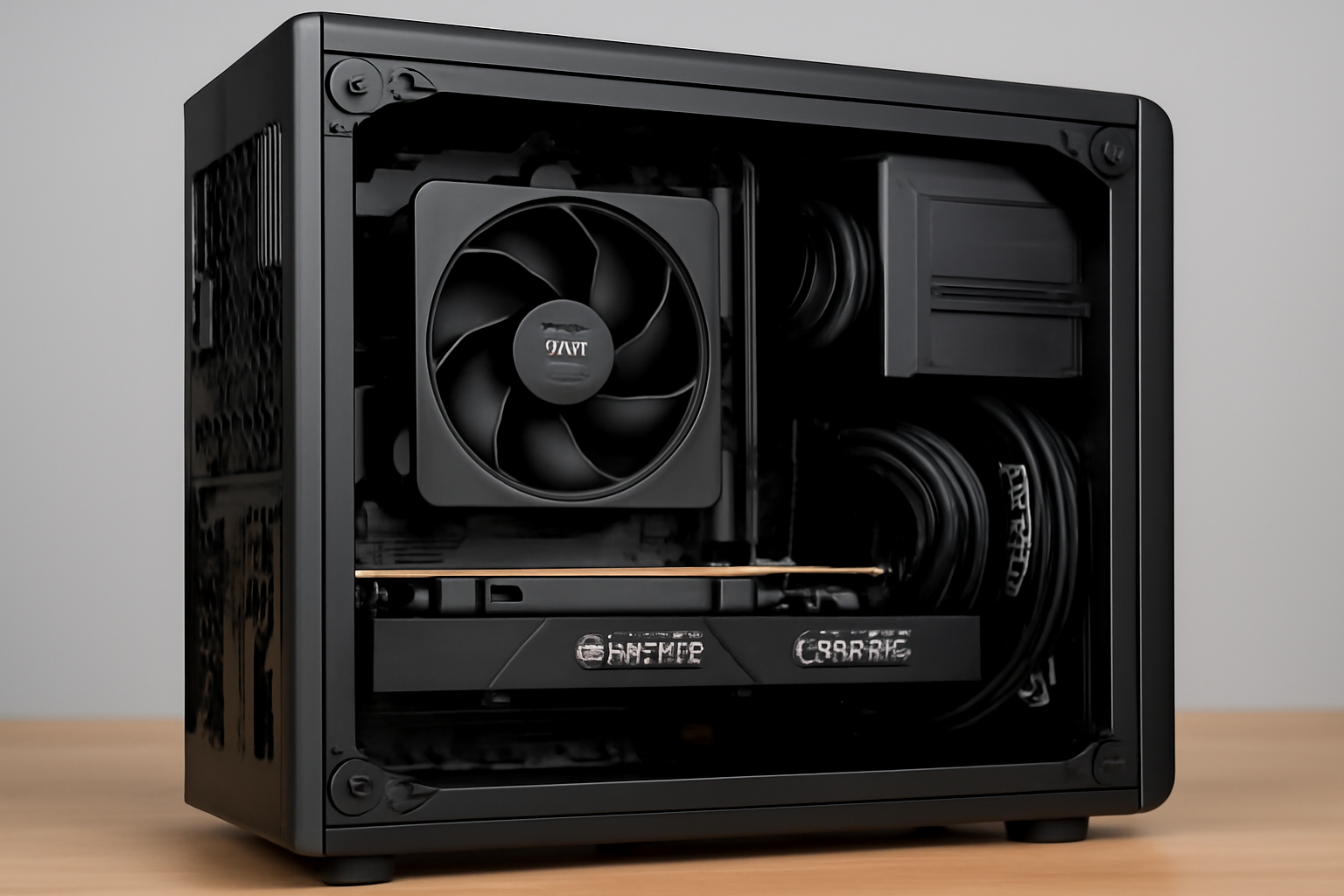
Mini SFF PCs are no longer just compact gaming machines. In 2025, they have become powerful tools for content creators who need performance, efficiency, and a clean workspace.
Video editors, streamers, designers, and remote professionals are increasingly choosing Small Form Factor systems. These builds offer impressive power while occupying minimal desk space.
This guide explains how to build and optimize a Mini SFF PC specifically for content creation, covering editing, streaming, multitasking, and long-term productivity.
Why Content Creators Are Choosing Mini SFF PCs
Desk space matters more than ever.
Many creators work from home studios, shared spaces, or minimalist setups. Large towers are often impractical and visually intrusive.
Mini SFF PCs offer:
- Compact footprints
- Clean aesthetics
- High performance per liter
- Easier transport for mobile creators
When properly configured, they match or exceed the performance of much larger systems.
Performance Needs of Modern Content Creators
Content creation workloads differ from gaming.
Tasks like video rendering, photo processing, and live streaming demand sustained performance rather than short bursts.
A creator-focused Mini SFF PC must handle:
- Multi-core CPU workloads
- GPU-accelerated rendering
- Fast storage access
- Stable performance under long sessions
Balancing these needs is critical in compact builds.
Choosing the Right CPU for Creative Work
The CPU is the backbone of any creator system.
In Mini SFF builds, efficiency matters as much as raw power. High core counts are useful, but thermal behavior is equally important.
Ideal CPU characteristics include:
- Strong multi-core performance
- High single-core speed
- Moderate power consumption
- Good thermal scaling
Modern mid-to-high tier CPUs often provide the best balance for SFF systems.
CPU Cooling in Compact Creator Builds
Creative workloads stress the CPU for long periods.
Rendering, encoding, and exporting push CPUs harder than most games. In small cases, inadequate cooling leads to throttling.
Effective cooling strategies include:
- High-quality low-profile air coolers
- Compact AIO liquid coolers if supported
- Optimized fan curves
- Proper thermal paste application
Sustained performance depends heavily on cooling quality.
GPU Selection for Editing and Streaming
For content creators, the GPU is more than a gaming component.
Modern creative software relies heavily on GPU acceleration. Video editing timelines, effects, and exports benefit greatly from a capable GPU.
Key GPU considerations include:
- Strong encoder support
- Efficient power usage
- Adequate VRAM
- Stable drivers
The right GPU improves workflow speed and responsiveness.
GPU Encoders and Streaming Performance
Streaming performance depends heavily on hardware encoders.
Modern GPUs offer advanced encoding features that reduce CPU load and improve stream quality.
Benefits include:
- Lower system latency
- Stable frame delivery
- Reduced CPU heat output
- Better multitasking during streams
For Mini SFF systems, hardware encoding is especially valuable.
RAM Capacity and Speed for Creators
Memory plays a major role in productivity.
Creative applications consume large amounts of RAM, especially when multitasking across software.
Recommended RAM guidelines:
- 32 GB for most creators
- 64 GB for heavy video editing
- High-speed, low-latency kits
- Dual-channel configuration
Sufficient RAM prevents slowdowns and system bottlenecks.
Storage Configuration for Fast Workflows
Storage speed directly affects creative efficiency.
Slow storage causes lag when scrubbing timelines, loading assets, or exporting projects.
An ideal Mini SFF storage setup includes:
- NVMe SSD for OS and applications
- Separate NVMe or SSD for projects
- Optional external storage for backups
Fast storage keeps workflows smooth and frustration-free.
Managing Heat During Long Editing Sessions
Heat management is a constant challenge.
Unlike gaming, creative workloads can last hours. Sustained heat buildup is more problematic in compact cases.
Effective heat management includes:
- Clear airflow paths
- Balanced intake and exhaust
- Quality case fans
- Clean cable routing
Thermal consistency ensures reliable performance.
Power Supply Considerations for Creator Builds
Content creation systems require stable power delivery.
Sudden power spikes during rendering or encoding can stress low-quality PSUs. In Mini SFF builds, PSU quality is critical.
Recommended PSU features:
- SFX or SFX-L format
- High efficiency rating
- Fully modular design
- Quiet fan operation
A good PSU protects your work and hardware.
Noise Levels and Creative Focus
Noise affects productivity.
Loud systems become distracting during editing, recording, or streaming. Mini SFF PCs must be carefully tuned for silence.
Noise reduction strategies include:
- Quiet fans
- Optimized fan curves
- Vibration isolation
- Efficient components
A quiet system improves focus and comfort.
Display Support and Multi-Monitor Setups
Many creators use multiple monitors.
A Mini SFF PC should support:
- High-resolution displays
- Color-accurate panels
- Multiple monitor outputs
- Stable signal delivery
Modern GPUs handle multi-display setups easily when properly chosen.
Networking and Connectivity Needs
Reliable connectivity is essential for creators.
Uploading content, live streaming, and cloud collaboration depend on stable networks.
Key features to consider:
- High-quality onboard networking
- Wi-Fi 6 or newer support
- Multiple USB ports
- Fast external storage support
Connectivity should never be a bottleneck.
Ergonomics and Desk Integration
Mini SFF PCs integrate seamlessly into creative desks.
Their small size allows:
- Cleaner cable management
- Better desk organization
- Easier placement near monitors
- Improved workspace aesthetics
A tidy workspace enhances creativity and efficiency.
Upgradability in Mini SFF Creator Systems
Upgrading is possible with proper planning.
Choosing flexible cases and motherboards allows:
- Storage expansion
- RAM upgrades
- GPU replacements
- Cooling improvements
Planning ahead extends system lifespan.
Stability and Reliability for Professional Use
Creators depend on stable systems.
Crashes, freezes, or throttling can disrupt deadlines and workflows. Stability should be prioritized over extreme performance.
Best practices include:
- Conservative overclocking or none at all
- Updated drivers and firmware
- Regular maintenance
- Reliable components
A stable Mini SFF PC is a powerful professional tool.
Why Mini SFF PCs Make Sense for Creators in 2025
In 2025, Mini SFF PCs are fully capable creative workstations.
They combine power, efficiency, and elegance in a compact form. For creators who value performance and workspace organization, they offer the best of both worlds.
With the right component choices and thoughtful configuration, a Mini SFF PC becomes a reliable partner for editing, streaming, and productivity.

Chris Dalton is a tech enthusiast with a passion for helping others build high-performance PCs on a budget. He shares practical advice, in-depth guides, and honest insights to empower freelancers, gamers, and creators to get the most out of their hardware. With hands-on experience and a focus on smart, affordable solutions, Carlos Eduardo turns complex tech into accessible knowledge for all.