
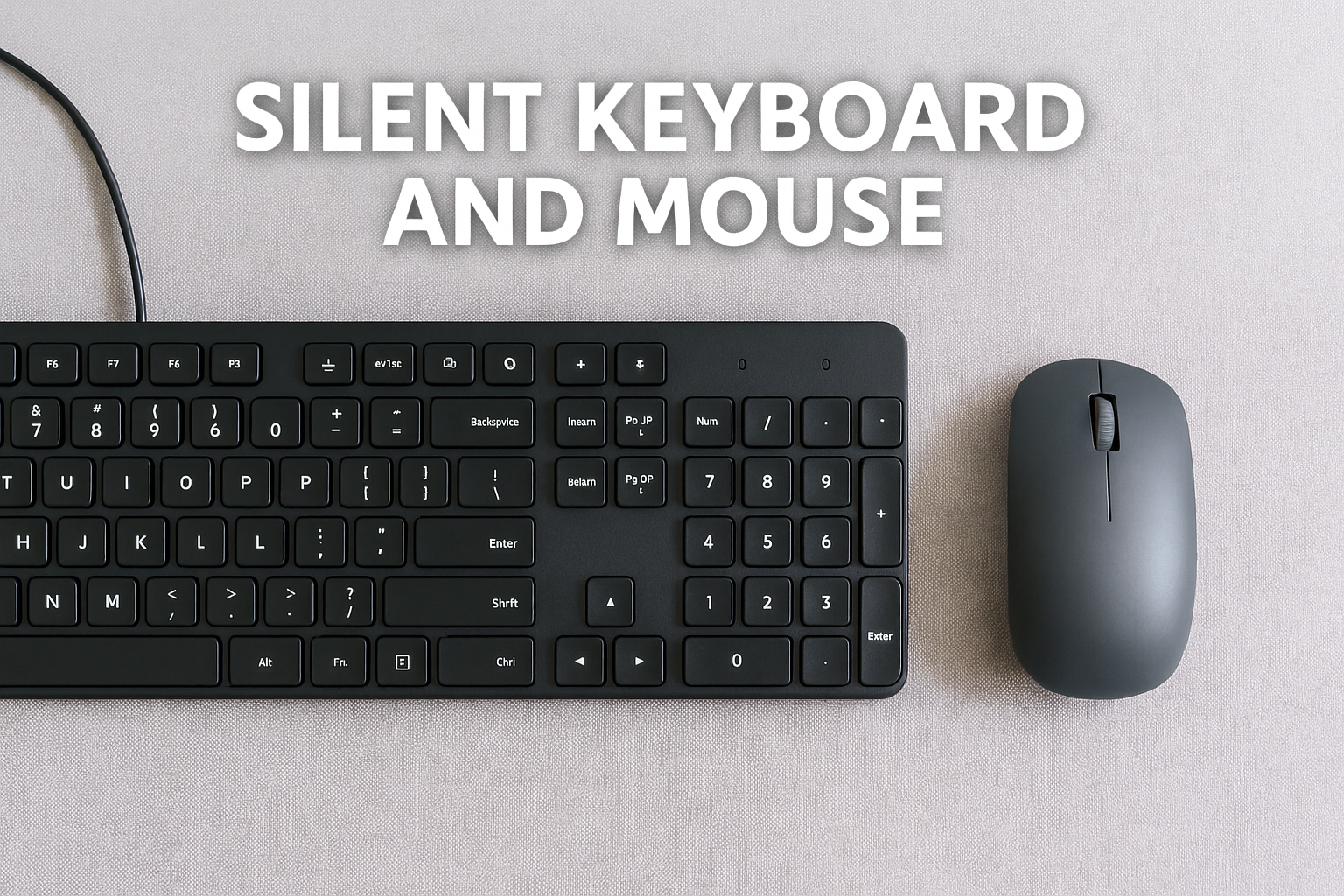
A quiet workspace isn’t just about a silent PC—it’s about the entire experience. One of the most overlooked sources of everyday noise in office setups is your input devices.
Every keystroke and every mouse click contributes to the ambient sound in your workspace. In a quiet office environment, even subtle repetitive noises from your keyboard and mouse can become distracting.
Fortunately, in 2025, silent peripherals have evolved. Manufacturers are now designing keyboards and mice specifically for low-noise performance, without sacrificing comfort, speed, or aesthetics.
Whether you’re working from home, in a shared office, or need discretion during late-night work sessions, this guide will help you choose the quietest and most comfortable options on the market.
Why Silent Peripherals Matter in the Office
Modern work often involves long hours at the keyboard, dozens or hundreds of clicks per hour, and extended periods of typing or editing. For professionals who rely on deep focus or work in shared environments, reducing repetitive input noise has tangible benefits.
Benefits of silent keyboards and mice:
Better focus and concentration
Less fatigue during long work sessions
Improved audio clarity during calls or recordings
Respect for coworkers or household members
A calmer, less intrusive workspace
Silence is not only a comfort—it’s a productivity enhancer.
Types of Quiet Keyboards
There are three primary categories of quiet keyboards in 2025, each offering different advantages.
1. Silent Mechanical Keyboards
Mechanical keyboards are known for their tactile feel and durability, but many models are loud. Fortunately, manufacturers now offer silent switches that retain feel while cutting down on noise.
Common Silent Switch Types:
Cherry MX Silent Red / Silent Black
Linear feel, dampened bottom-out
Smooth keystrokes, no tactile bump
Best for fast typists or coders
Gateron Silent Reds / Browns
Smooth action, excellent for budget builds
Good balance between silence and typing feel
Topre Silent (Electro-Capacitive)
Premium feel with dampened feedback
Ultra-quiet, ideal for professionals and writers
Romer-G Linear (Logitech)
Custom switch with built-in dampening
Exclusive to Logitech’s quiet models
Recommended Silent Mechanical Keyboards:
Keychron Q1 Pro (with Silent Reds)
Wireless + wired
Hot-swappable switches
Mac/Windows compatible
Solid aluminum build
Leopold FC660C Topre Silent
Electro-capacitive switches
Extremely quiet and premium
Ideal for developers, writers, and data workers
Logitech MX Mechanical Silent
Low-profile mechanical keys
Silent linear switches
Bluetooth multi-device pairing
Ducky One 3 SF Silent
Compact layout
Cherry MX Silent Red switches
Quiet and responsive
2. Scissor Switch and Chiclet Keyboards
These are typically found on laptops and slim office keyboards. They’re not mechanical, but they offer silent actuation and low profile.
Top Choices:
Apple Magic Keyboard (2025 Edition)
Extremely quiet
Low-profile, elegant design
Best for Mac users
Microsoft Surface Keyboard 2
Silent scissor switches
Comfortable typing for long hours
Sleek and wireless
Logitech K780
Whisper-quiet membrane keys
Supports 3 devices (PC, tablet, phone)
Great for hybrid work setups
Keychron K3 V2 (Optical Silent)
Ultra-slim with quiet optical switches
Perfect for tight desk spaces
Mac/Windows toggle
3. Membrane and Rubber Dome Keyboards
These are typically the quietest by default and are often budget-friendly.
Logitech K740
Illuminated keys
Silent keypresses with good feedback
Spill-resistant and long-lasting
Lenovo Preferred Pro II
Office-grade durability
Classic layout
Low acoustic profile for cubicles
Dell KB216
Basic and quiet
Plug-and-play functionality
Good for simple setups or backup units
What Makes a Keyboard Truly Silent?
Sound dampening inside the switch housing
O-rings or silicone rings under keycaps
Absence of tactile bump (in linear switches)
Heavier keyboard chassis to reduce vibration
Low key travel distance to minimize bottom-out noise
Add-ons like foam dampening mats and soft keycaps can reduce sound further.
The Quietest Mice for Office Work in 2025
Mice may seem quiet by nature, but click mechanisms vary greatly. In shared or quiet spaces, the clicking sound can be annoying over time. Fortunately, silent mice now dominate the productivity category.
Silent Mouse Switch Technology
Omron Silent Switches
Standard in many high-end models
No tactile click sound
Still offers precise feedback
Logitech SilentTouch
Custom-engineered for low-noise clicks
Used in most Logitech “Silent” branded mice
Kailh Silent Micro Switches
Found in boutique mice
Smooth and consistent
Best Silent Mice for Productivity
1. Logitech MX Master 3S
Flagship productivity mouse
SilentClick buttons
MagSpeed scroll wheel (ultra-quiet)
Connects to 3 devices
Customizable side buttons
Comfortable ergonomic shape
2. Logitech M330 Silent Plus
Affordable and reliable
Certified 90% noise reduction
Compact and perfect for portable workstations
Long battery life (2 years on AA)
3. Microsoft Surface Precision Mouse
Premium feel and silent operation
Bluetooth and USB-C support
Precise movement for design or dev work
Ergonomic build for long sessions
4. Razer Pro Click Mini
Razer’s quiet productivity mouse
Silent mechanical switches
Bluetooth and dongle options
Stylish and compact
5. Jelly Comb 2.4GHz Silent Mouse
Budget-friendly
Minimal click noise
Slim and ambidextrous
Great for students or mobile professionals
6. Logitech Pebble M350
Ultra-slim and silent
Minimalist design
Bluetooth or 2.4GHz dongle
Works well for tablets and laptops too
Trackpads and Alternatives
If you want absolute silence, ditch the mouse altogether.
Apple Magic Trackpad 3
Gesture support
Completely silent taps
Perfect for MacOS workflows
Keychron P3 Pro Trackpad
Windows/macOS compatible
USB-C rechargeable
Excellent gesture control
Silent and intuitive
Mouse Pads and Keyboard Mats
Soft accessories can further reduce input noise and vibration.
Desk mats:
Reduce typing vibrations
Absorb some keystroke sound
Add comfort and style to your setup
Silent mouse pads:
Textured surfaces for silent glide
Thicker foam pads reduce table noise
Options with wrist rest for ergonomics
Top brands: SteelSeries, Logitech, Razer, Artisan
Connectivity: Wireless for Clean and Silent Desks
Fewer cables mean fewer snags and less clutter. Go wireless for flexibility and quiet operation.
Look for:
Bluetooth 5.2 or higher
USB-C charging
Multi-device pairing
Low latency and driverless installation
Many quiet keyboards and mice now include seamless switching between laptops, desktops, and tablets.
Ergonomics: Comfort Supports Silence
A quiet setup should also be ergonomic. Discomfort leads to aggressive typing or harder clicks.
Tips:
Use a wrist rest for your keyboard
Keep your elbows at 90 degrees
Position your monitor at eye level
Keep your mouse close to your keyboard
Use a vertical mouse if wrist strain is common
Ergonomics and silence go hand in hand.
Real-World Silent Input Setup (2025)
Use case: Writing, spreadsheets, programming, meetings
Keyboard: Keychron Q1 Pro with Gateron Silent Reds
Mouse: Logitech MX Master 3S
Desk Mat: SteelSeries QcK XXL
Headset: Sony WH-1000XM6 (ANC for full silence)
Noise Level: <20 dBA total input noise
Experience: Smooth, distraction-free, and ultra-productive
Final Tips for a Silent Input Setup
Avoid mechanical switches labeled “clicky” (e.g., Blue, Green, White)
Stick to linear or scissor switches for quieter keystrokes
Choose mice with “Silent” in the name or specs
Use soft surfaces to reduce reverb and vibration
Check reviews for actual measured decibels when possible
Pair with a silent PC and display setup for full effect
Final Thoughts
In 2025, building a silent office setup isn’t complete without quiet peripherals. A silent keyboard and mouse may seem like small upgrades, but together they transform the way you interact with your workspace.
Less noise means fewer distractions, which means more focus, better meetings, and a calmer work environment.
Whether you’re typing a novel, managing spreadsheets, coding all day, or jumping between meetings, silence should work with you—not against you. Choose the right tools, and you’ll never hear the difference—but you’ll definitely feel it.

Chris Dalton is a tech enthusiast with a passion for helping others build high-performance PCs on a budget. He shares practical advice, in-depth guides, and honest insights to empower freelancers, gamers, and creators to get the most out of their hardware. With hands-on experience and a focus on smart, affordable solutions, Carlos Eduardo turns complex tech into accessible knowledge for all.