
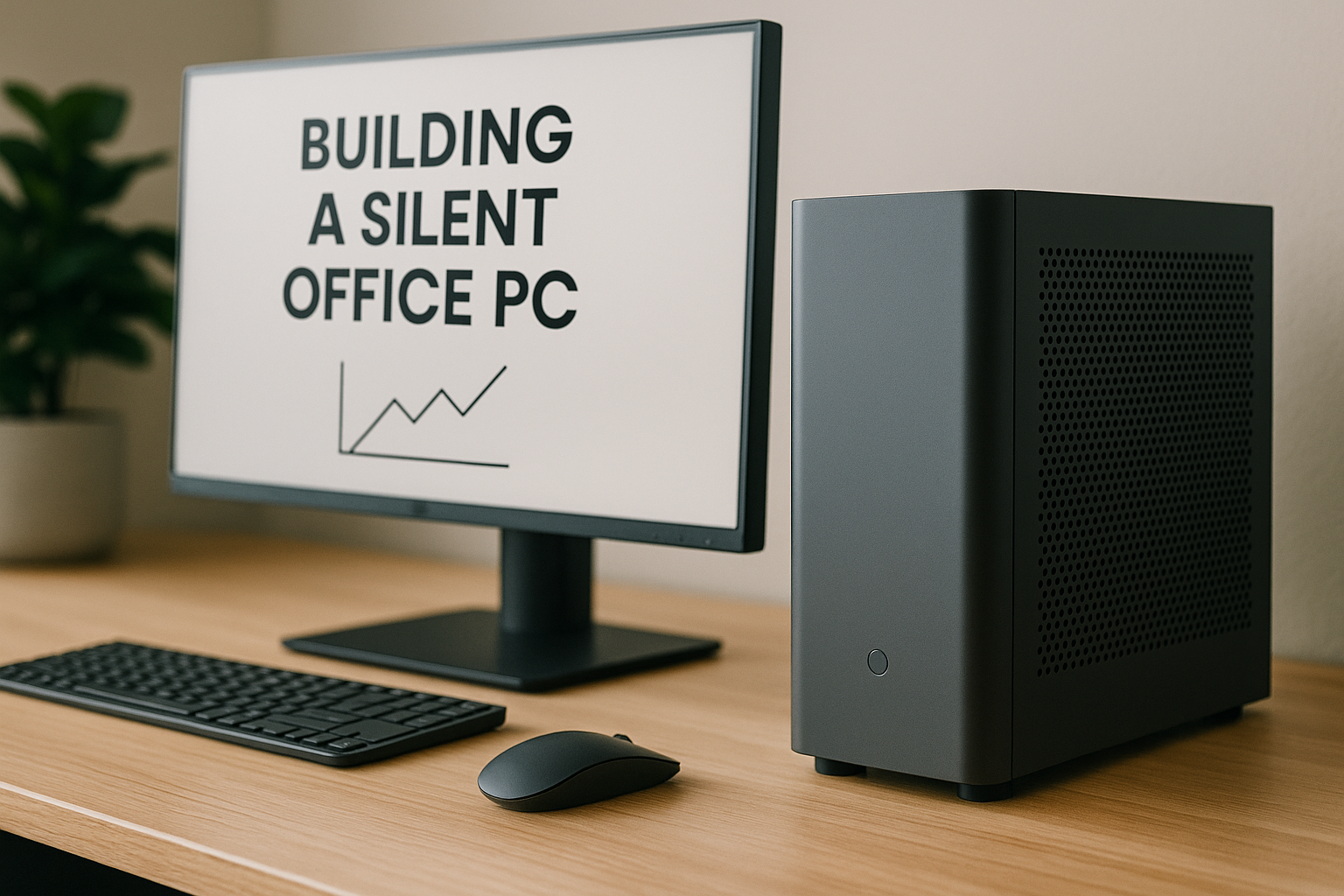
A quiet workspace leads to better focus, deeper concentration, and ultimately, greater productivity.
In 2025, with more people working from home or in shared office spaces, a noisy PC can be a constant and unnecessary distraction. Fortunately, building a silent office PC is not only achievable—it’s also affordable, efficient, and stylish.
This guide walks you through how to build a whisper-quiet office PC that enhances your workflow without ever breaking your focus.
We’ll cover the ideal components, cooling strategies, power management, and the best case designs that deliver silence and performance in equal measure.
Why Silence Matters in Office Environments
Whether you’re editing documents, managing spreadsheets, coding, or attending virtual meetings, background noise can be disruptive. Studies show that noise negatively impacts memory retention, focus duration, and task switching.
Benefits of a silent PC:
Reduced auditory fatigue during long workdays
Better environment for calls, recordings, or dictation
Improved mental clarity and workflow consistency
More pleasant shared workspace experience
Elimination of mechanical distractions from fans or drives
What Makes a PC Silent?
Silence in a PC is achieved by eliminating or minimizing the primary sources of noise:
Fans (CPU, case, GPU, PSU)
Spinning storage (HDDs)
Power delivery noise (coil whine, vibrations)
Airflow turbulence in restricted spaces
By choosing efficient, low-heat components and controlling fan curves, you can build a system that runs so quietly it blends into the background.
Choosing the Right Form Factor for Silence
While any size PC can be built silently, Mini SFF and compact towers tend to be more efficient and desk-friendly for office use.
Mini SFF
Ideal for clean desks and minimalist setups
Usually under 15L in volume
Perfect for under-monitor or tucked-away placement
Requires precise airflow and cable management
mATX or Mid-Tower
Offers more airflow potential
More flexibility in component choice
Can house semi-passive GPUs and quiet tower coolers
Larger footprint may not suit compact desks
Verdict: For pure silence and aesthetics, Mini SFF is optimal. If you want easier building and future upgrades, go mATX.
Best CPUs for Silent Office Builds
Look for CPUs with low TDP (under 65W) and integrated graphics unless you specifically need a GPU. Lower power means lower heat, which means less fan noise.
Recommended CPUs:
AMD Ryzen 7 8700G – 8 cores, Radeon 780M iGPU, 65W
Intel Core Ultra 5 125H – Efficient hybrid-core chip, Arc iGPU
AMD Ryzen 5 5600G – Affordable, solid iGPU, excellent thermals
Intel Core i3-14100T – Low-power 35W CPU for basic productivity
Avoid “K” series or high-TDP CPUs unless you have exceptional cooling.
GPU or No GPU?
Most office builds in 2025 don’t need dedicated GPUs. Modern integrated graphics are more than capable for:
4K dual monitor setups
Office suites (MS Office, Google Workspace)
Browser-heavy workflows
Basic design tasks in Figma, Canva, or Photoshop
1080p video playback, conferencing, and streaming
Only add a GPU if you work with CAD, 3D modeling, or video editing.
Silent GPU Options (If Needed):
NVIDIA RTX 4060 Low Profile – Efficient, fans stay off under low load
Intel Arc A750 – Semi-passive and budget-friendly
AMD RX 6400 – Silent and low-profile
GT 1030 (Fanless Variant) – Best for ultra-low power builds
Motherboard and RAM Selection
Choose a motherboard with passive VRM cooling and quality fan control options.
Ideal Motherboard Features:
mITX or mATX form factor
Fanless chipset cooling
Onboard Wi-Fi 6/6E
2x M.2 NVMe slots
Q-Fan or Smart Fan support in BIOS
RAM:
16GB DDR5 (2x8GB) is enough for most workflows
32GB (2x16GB) is better for multitasking or heavier apps
Choose low-profile RAM if space is tight in Mini SFF builds
Prefer 5200MHz+ speed with low voltage (1.25V or less)
Storage: Go 100% Solid-State
Eliminate all noise from storage by avoiding mechanical hard drives. Use M.2 NVMe SSDs for speed and silence.
Recommended SSDs:
Samsung 990 Pro – Fast, reliable, runs cool
WD SN770 – Great value and silent
Crucial P3 Plus – Affordable Gen 4 performance
Kingston KC3000 – Quiet, durable
1TB is ideal for OS + software. Add a second M.2 if needed for projects or archives.
Power Supply for Silence
Choose an SFX or ATX PSU with a fanless or semi-passive mode. Look for Platinum or Gold efficiency ratings.
Best Silent PSUs:
Corsair SF750 Platinum – SFX, fanless until 300W
Seasonic Fanless PX-500 – Absolute silence for low-wattage builds
Be Quiet! Pure Power 12 M 650W – Near-silent under 50% load
Cooler Master V850 SFX – Modular and efficient
Make sure to set the fan mode to hybrid or 0 RPM if supported.
Cooling Strategy: Passive or Whisper-Quiet
Passive Cooling
Great for CPUs under 35W
Use fanless cases like Streacom DA2, Akasa Newton
Pair with efficient low-voltage CPUs
Monitor thermals carefully
Air Cooling
Use quiet top-down coolers with large surface area and low RPM fans
Best Air Coolers:
Noctua NH-L12S – Ultra quiet, low profile
Thermalright AXP90-X53 – Thin and efficient
Scythe Big Shuriken 3 – Excellent for tight Mini SFF builds
Fan Control
Set custom fan curves in BIOS
Limit max RPM to under 800–1000
Use FanControl (Windows) for granular adjustments
Match intake and exhaust for balanced pressure
Best Cases for Silent Office Builds
Mini SFF Options
Fractal Terra (10.4L) – Premium aluminum build
SilverStone SUGO 16 – Quiet airflow, small footprint
SSUPD Meshroom S – Silent airflow with full mesh
Streacom DA2 V2 – Fanless-ready and modular
Compact Towers
Fractal Define 7 Compact – Sound dampened panels
Be Quiet! Pure Base 500 – Minimal noise and good cooling
NZXT H1 V2 – Small footprint with integrated PSU and cooler
Cooler Master NR200 – Flexible and quiet
Monitor and Peripherals for Focus
Choose silent peripherals to match your PC:
Mechanical keyboard with dampened switches (silent reds, browns)
Low-click or silent mouse (Logitech MX Master 3S)
Monitor with blue light filter and flicker-free backlight
Desk mat to reduce vibration and echo
Wireless headset with ANC for calls and music
Don’t overlook the importance of peripheral silence—your full setup matters.
Software Setup for Quiet Operation
Use software to reduce background activity and optimize performance:
FanControl – Total control over fan speeds and ramp curves
HWInfo – Monitor CPU/GPU temps, voltage, and fan usage
MSI Afterburner – Undervolt GPU (if used) for less noise
Radeon Software / Intel Arc Control – Adjust power and boost profiles
Windows Power Plan – Use “Balanced” or a custom silent profile
Disable RGB or LED effects for lower power draw (and visual calm)
Example Silent Office Build (2025)
Form Factor: Mini-ITX
Case: Fractal Terra
CPU: AMD Ryzen 7 8700G (Radeon 780M)
Motherboard: ASUS B650I Wi-Fi
RAM: 32GB DDR5 6000MHz
Storage: 1TB Samsung 990 Pro
Cooling: Noctua NH-L12S
PSU: Corsair SF600 Platinum
OS: Windows 11 Pro + WSL for dev tools
Noise: <18 dBA idle, <24 dBA under load
Result: Silent performance for productivity, multitasking, media, and meetings.
Optional Add-ons for Enhanced Productivity
Add accessories to boost your quiet workspace:
Laptop stand or vertical dock for hybrid work
Monitor arms for ergonomic dual-display setups
Silent 2.1 speakers (Edifier, Audioengine)
Desk light with adjustable warmth
Cable trays for organization
Acoustic foam or wall panels if working in echo-prone rooms
Final Thoughts
A silent office PC isn’t just about tech—it’s about creating an environment that supports deep work and creative flow.
With today’s energy-efficient components and smarter design, it’s easier than ever to build a system that stays cool, quiet, and out of the way.
Whether you’re typing reports, editing video, or joining Zoom meetings all day, your PC should never distract you. It should be a silent partner in your productivity—and with the right build, it will be.

Chris Dalton is a tech enthusiast with a passion for helping others build high-performance PCs on a budget. He shares practical advice, in-depth guides, and honest insights to empower freelancers, gamers, and creators to get the most out of their hardware. With hands-on experience and a focus on smart, affordable solutions, Carlos Eduardo turns complex tech into accessible knowledge for all.