
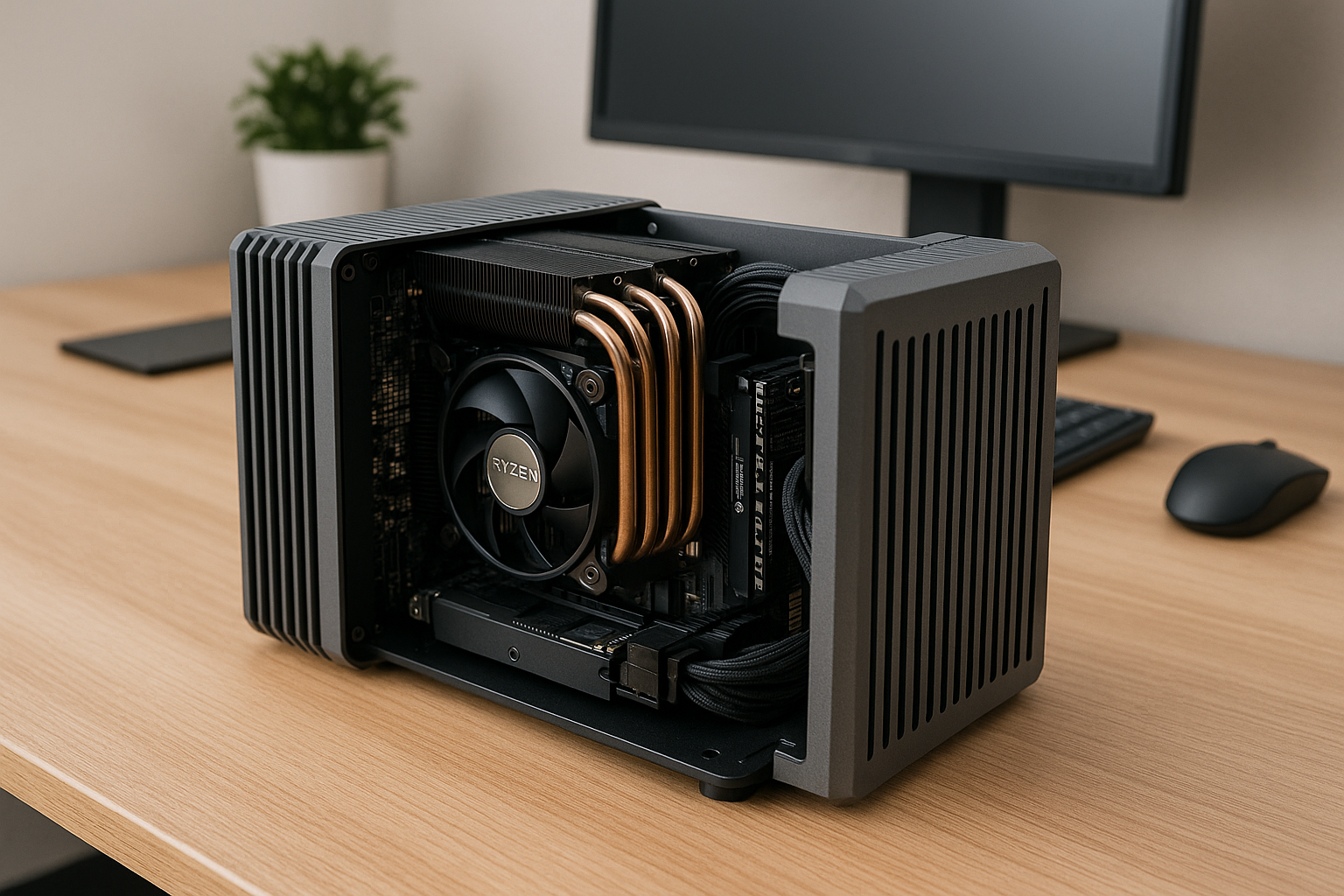
A silent PC setup isn’t truly silent unless your case is built to eliminate noise.
In 2025, passive PC cases are no longer just niche components—they’re essential for professionals who need total acoustic control in their office environments.
A passive case does more than just house your components: it passively dissipates heat, absorbs vibration, and shields your workspace from hums, rattles, and fan noise.
This article breaks down the best passive PC cases available in 2025, what features to prioritize, and how to pick the right one for your silent office setup.
Why Passive Cases Matter
Passive cases are designed to cool your system without relying on fans or forced airflow. They use heavy aluminum or copper panels as heatsinks, optimizing heat transfer via direct contact and natural convection.
For office users who value silence, these cases provide several benefits:
Total elimination of fan noise
No moving parts means longer life and no mechanical failures
Perfect for dust-prone environments
Ideal for audio-sensitive workspaces (recording, calls, editing)
Visually minimalist and often beautifully engineered
Pairing a passive case with a low-power CPU, solid-state storage, and integrated graphics results in a workstation that is literally inaudible.
How Passive Cooling Works in Cases
Passive PC cases rely on two main methods of cooling:
1. Heatsink Side Panels
Large, finned aluminum or copper side panels that make direct contact with heat-generating components. Heat spreads out across the surface and is dissipated by ambient airflow.
2. Chimney Design
Vertical case layouts that leverage natural convection, where hot air rises through the case and escapes upward without needing a fan to push it.
Most high-end passive cases use both principles. The entire chassis becomes part of the cooling system.
Key Factors When Choosing a Passive Case
Not all passive cases are created equal. Here’s what you should consider:
TDP capacity – Most passive cases are rated for CPUs with up to 65W TDP. Some can handle more with optimized layouts.
Case volume – Smaller isn’t always better. Passive cases need surface area to dissipate heat effectively.
Material – Aluminum is most common for its balance of weight and thermal conductivity.
Motherboard size – Most support Mini-ITX only. A few can handle Micro-ATX or custom boards.
Internal layout – Ensure your chosen PSU, storage, and memory will fit without blocking airflow paths.
Build difficulty – Passive cases require careful assembly to align heat pipes and contact plates.
Price – Passive cases are a premium niche and can be expensive.
Let’s look at the best options available in 2025.
1. Streacom DB4
Overview:
The DB4 is the gold standard for passive PC builds. Its fully symmetrical cube design is crafted from thick, finned aluminum panels that act as large heatsinks for CPU and motherboard components.
Key Features:
Supports up to 65W CPU out of the box
Expandable to 105W with additional modules
Compatible with Mini-ITX boards
Supports internal power bricks or HDPLEX external PSUs
Optional GPU cooling kit available
No visible vents or fan mounts
Why it’s great for offices:
Its modern, monolithic appearance looks elegant on any desk
Totally silent with zero vibration
Compact but powerful enough for productivity builds
Ideal for: Writers, coders, managers, creatives, and remote workers
2. Akasa Turing A50
Overview:
A compact passive chassis built for AMD Ryzen 4000 and 5000G series APUs, the Turing A50 is a vertical convection-style case with efficient thermal design and a small footprint.
Key Features:
Supports 35W–65W AM4 APUs
No discrete GPU support
Includes copper heat pipe cooler
Integrated power button and I/O
Stylish black anodized aluminum design
Why it’s great for offices:
Slim and small enough for desks or shelves
Silent, minimalist, and surprisingly cool
Excellent thermal performance with integrated heatsinks
Ideal for: Compact workstations, email terminals, front desk PCs, shared office spaces
3. HDPLEX H3 V3
Overview:
A premium passive case designed for flexibility, the HDPLEX H3 V3 supports larger boards and up to 95W CPUs when configured with multiple heat zones.
Key Features:
Supports Mini-ITX and some Micro-ATX boards
Room for multiple SSDs and expansion cards
Modular heat pipe systems
Can be mounted vertically or horizontally
Compatible with HDPLEX’s fanless PSUs
Why it’s great for offices:
Allows slightly higher performance builds without fans
Professional aesthetic
Quiet storage options and modular layout for flexibility
Ideal for: Power users, data-heavy roles, light editing or creative professionals
4. Tranquil PC Mini Multi
Overview:
Tranquil PC is a UK-based company that specializes in fanless systems. Their Mini Multi case is an industrial-grade, ultra-compact passive enclosure designed for embedded CPUs.
Key Features:
Supports Intel N100/N300 and AMD Ryzen Embedded
Fully enclosed with integrated heatsinks
Minimal footprint (under 2L)
Fanless external PSU brick
Dust- and impact-resistant
Why it’s great for offices:
Perfect for kiosks, POS systems, or ultra-quiet office PCs
VESA-mountable for behind-monitor use
Incredibly low power draw and heat output
Ideal for: Admin terminals, remote desktop clients, ultra-light tasks
5. MonsterLabo The First V2
Overview:
The First V2 is a large, premium passive case that supports full-size GPUs and higher-wattage CPUs. Designed with an internal heat mass and upward convection path, it’s one of the few fanless cases that can handle performance parts.
Key Features:
Supports up to 150W CPU + 120W GPU passively
Internal cooling block and heat pipe structure
Massive aluminum structure (19kg total)
E-ATX motherboard support
Fully passive PSU support
Why it’s great for offices:
Enables power user builds in total silence
Handles multi-monitor setups, light editing, and dev environments
Industrial, unique appearance
Ideal for: Developers, power users, silent workstations, noise-sensitive media pros
6. Aleutia R50 (Custom Build)
Overview:
Aleutia offers custom-configured, fully passive fanless PCs using their proprietary R50 aluminum enclosure. Available in various configurations with preinstalled motherboards.
Key Features:
Thin, rack-style passive enclosure
Custom-built with integrated I/O
Designed for 24/7 uptime
Military/medical-grade durability
Optional VESA or DIN mounting
Why it’s great for offices:
Reliable, low-power, and completely silent
Ideal for long-term deployments
Tuned thermal profiles for light business use
Ideal for: IT rooms, customer-facing offices, silent terminal stations
How to Maximize Passive Cooling
Even with a top-tier passive case, your environment and build decisions matter. Here’s how to ensure optimal performance:
Use CPUs rated 65W TDP or lower
Enable Eco Mode in BIOS or undervolt manually
Use only SSDs (preferably NVMe for lower cable clutter)
Avoid hard drive bays or moving parts
Use low-voltage RAM to reduce heat
Keep your desk space cool and well-ventilated
Avoid enclosing the case in cabinets
Elevate the case slightly to allow convection underneath
If using external bricks, position them where heat can dissipate freely
Passive vs Quiet-Coled Cases: Quick Comparison
| Feature | Passive Case | Quiet-Cooled Case |
|---|---|---|
| Noise | 0 dBA | 18–22 dBA |
| CPU Support | Up to 65–95W | Up to 125W+ |
| GPU Support | Limited or none | Full support |
| Cost | Higher | Mid to high |
| Maintenance | Very low | Occasional dusting |
| Build Difficulty | High | Moderate |
| Ideal Use | Low-power, total silence | Higher-power, near-silence |
What to Avoid
When building with passive cases, avoid:
Open-air test benches
High-TDP CPUs or overclocking
RGB components (often generate extra heat)
Hard drives (vibration + heat)
Tight cabinets or under-desk compartments
Using generic thermal paste instead of high-quality options
Final Thoughts
Passive PC cases are the heart of any truly silent office setup. While they come with limitations in power and compatibility, the reward is total acoustic serenity—no fans, no hum, no noise.
Whether you’re building a minimalist writer’s workstation or an embedded control system, there’s a passive case in 2025 that can fit your needs.
With the right components and mindful assembly, your passive PC will serve you quietly, efficiently, and beautifully for years to come.

Chris Dalton is a tech enthusiast with a passion for helping others build high-performance PCs on a budget. He shares practical advice, in-depth guides, and honest insights to empower freelancers, gamers, and creators to get the most out of their hardware. With hands-on experience and a focus on smart, affordable solutions, Carlos Eduardo turns complex tech into accessible knowledge for all.