
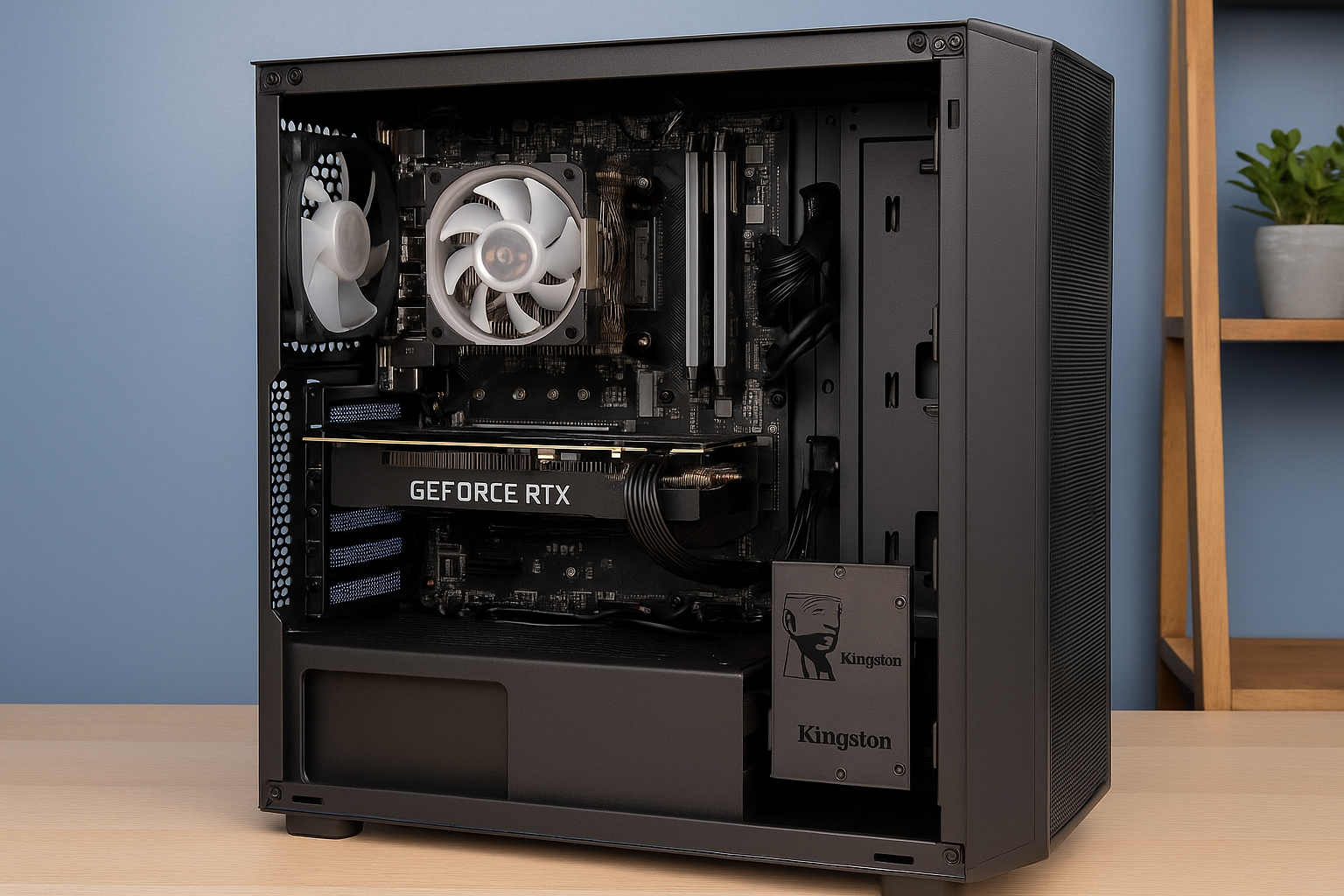
In 2025, the demand for high-performance, reliable computers continues to grow—especially for freelancers, content creators, and remote professionals who rely on their PCs for income and productivity.
Whether you’re editing 4K videos, managing client projects, designing graphics, rendering 3D models, or just juggling dozens of browser tabs and applications, your system needs to keep up.
The good news is that you don’t have to spend $2,000+ to get pro-level performance.
With a carefully planned $1000 budget, it’s absolutely possible to build a powerful productivity PC that can handle intensive workloads, future upgrades, and long sessions without breaking a sweat.
This guide will walk you through the ultimate $1000 productivity build, including the best components for 2025, the performance you can expect, and tips on getting the most value for every dollar.
Why Build a Productivity PC for $1000?
Unlike gaming builds, productivity PCs are optimized for efficiency, stability, and multitasking power. At the $1000 price point, you unlock several advantages:
- Smooth performance in creative software like Adobe Premiere, Photoshop, Illustrator, and Blender.
- Ample memory and fast storage for managing large files and complex multitasking.
- Strong CPU and GPU pairing for rendering, encoding, and previewing work in real time.
- Future upgrade potential without needing to replace everything.
Whether you’re freelancing, studying, managing a business, or working remotely, this build is designed to empower your workflow.
Best $1000 Productivity PC Build – Mid 2025
Here’s a carefully optimized list of components to stay under budget while maximizing performance and efficiency:
| Component | Model / Specs | Price (USD) |
|---|---|---|
| CPU | AMD Ryzen 7 5700X (8 cores, 16 threads) | $180 |
| GPU | NVIDIA RTX 3060 12GB (Refurbished or New) | $240 |
| Motherboard | B550 ATX with Wi-Fi and M.2 Support | $110 |
| RAM | 32GB (2x16GB) DDR4 3600MHz CL16 | $80 |
| Storage | 1TB NVMe Gen 4 SSD (PCIe 4.0) | $75 |
| Power Supply | 650W 80+ Bronze (Fully Modular) | $70 |
| Case | Mid Tower ATX with airflow + front USB-C | $70 |
| CPU Cooler | Vetroo V5 or similar tower air cooler | $40 |
| Additional Fans | 2x 120mm case fans (optional for airflow) | $20 |
| Total | $995 |
✅ You can reduce cost by using a refurbished GPU or opting for a slightly slower Gen 3 SSD.
Why These Parts? (In-Depth Breakdown)
🔹 AMD Ryzen 7 5700X
- 8 cores and 16 threads offer exceptional multi-threaded performance.
- Ideal for video rendering, encoding, simulation, and multi-app workflows.
- Energy efficient and runs cool with a good aftermarket air cooler.
- Long-term support on the AM4 platform.
🔹 NVIDIA RTX 3060 (12GB)
- 12GB VRAM supports 4K timelines and GPU-accelerated workloads.
- Excellent performance in DaVinci Resolve, Adobe Premiere Pro, Blender, and Photoshop.
- NVENC hardware encoder is perfect for streaming or exporting media efficiently.
- Supports CUDA acceleration used in many creative applications.
🔹 B550 ATX Motherboard
- PCIe 4.0 support for fast SSD and future GPU upgrades.
- Dual M.2 slots and multiple SATA ports.
- Integrated Wi-Fi 6 and Bluetooth for wireless connectivity.
- USB-C and USB 3.2 Gen 2 for modern peripherals and fast transfers.
🔹 32GB DDR4 RAM (2x16GB, 3600MHz)
- More than enough for creative workloads, multitasking, and working with large media files.
- Fast frequency and tight timings improve rendering and application responsiveness.
🔹 1TB NVMe SSD (PCIe Gen 4)
- Blazing-fast read/write speeds ideal for loading large project files, assets, and software.
- Boots your OS in seconds and handles demanding cache usage during editing.
🔹 650W Modular PSU
- Provides clean and stable power with room for GPU upgrades.
- Modular design keeps cable management clean and airflow optimized.
🔹 Mid-Tower Case with Good Airflow
- Supports full ATX boards and larger GPUs.
- Comes with mesh panels, dust filters, and front USB-C.
🔹 Aftermarket Air Cooler
- Keeps temps low during extended rendering sessions.
- Quieter and more efficient than stock coolers, which is important during work hours.
Real-World Performance Benchmarks
🎥 Adobe Premiere Pro
- 4K footage with color grading and transitions: smooth real-time playback
- Export times 30–50% faster than older 6-core CPUs
- NVENC acceleration greatly reduces rendering time
🖼️ Photoshop & Illustrator
- Handles 40+ layer documents with ease
- Instant filter previews and fluid zooming
- Multitask with Chrome, music, and cloud syncing without slowdowns
🎞️ DaVinci Resolve
- Great for 4K timeline playback with light grading
- RTX 3060 enables real-time noise reduction and fusion effects
🧱 Blender & 3D Modeling
- Moderate scenes render quickly on GPU
- Great for hobbyists or freelance modeling jobs
💻 Remote Work and Productivity
- Juggle Zoom, Notion, Office apps, and Slack simultaneously
- 32GB RAM allows for video conferencing + project management + web tools all at once
Future-Proofing and Upgrade Potential
This build is designed to last 4–5 years with strong baseline performance, but also includes easy upgrade paths:
- CPU Upgrade: Supports Ryzen 9 5900X or 5950X if you need 12 or 16 cores later.
- GPU Upgrade: Drop in an RTX 4070 or AMD RX 7700 XT when prices fall.
- RAM Expansion: Move to 64GB if your workloads scale or you open massive 3D projects.
- Storage Expansion: Add another M.2 SSD or 2.5” SSD/HDD as your project library grows.
Even without upgrades, this system will serve most creators well for years.
Tips to Save Money Without Losing Performance
- Buy a refurbished GPU from a trusted source (Amazon Renewed, Newegg Refurbished, eBay Top Rated).
- Combo Deals: Micro Center and other retailers offer CPU + Motherboard + RAM bundles at big discounts.
- Reuse peripherals (monitor, keyboard, mouse) if upgrading from an old system.
- Monitor open-box or warehouse deals for cases and power supplies.
Ideal Accessories to Complete Your Setup
Although not part of the core $1000 build, the right accessories enhance comfort and productivity:
- Monitor: 27” IPS 1440p with accurate color (ideal for design and video)
- Mechanical keyboard: Ergonomic with macro support
- Precision mouse or stylus: Crucial for illustrators and editors
- UPS (battery backup): Prevents data loss during power outages
- External SSD or backup drive: For off-system project archives
Final Thoughts: Your $1000 Pro-Level Workhorse
In 2025, a $1000 custom-built productivity PC offers tremendous power, speed, and flexibility for freelancers and creative professionals.
Unlike many pre-built systems that skimp on quality or markup prices, this DIY approach gets you premium performance where it matters most—without compromise.
From video editing and design to remote work and 3D rendering, this machine is built to keep you working efficiently, confidently, and comfortably for years to come.
Ready to build it? Let your next PC be your smartest investment yet.

Chris Dalton is a tech enthusiast with a passion for helping others build high-performance PCs on a budget. He shares practical advice, in-depth guides, and honest insights to empower freelancers, gamers, and creators to get the most out of their hardware. With hands-on experience and a focus on smart, affordable solutions, Carlos Eduardo turns complex tech into accessible knowledge for all.