
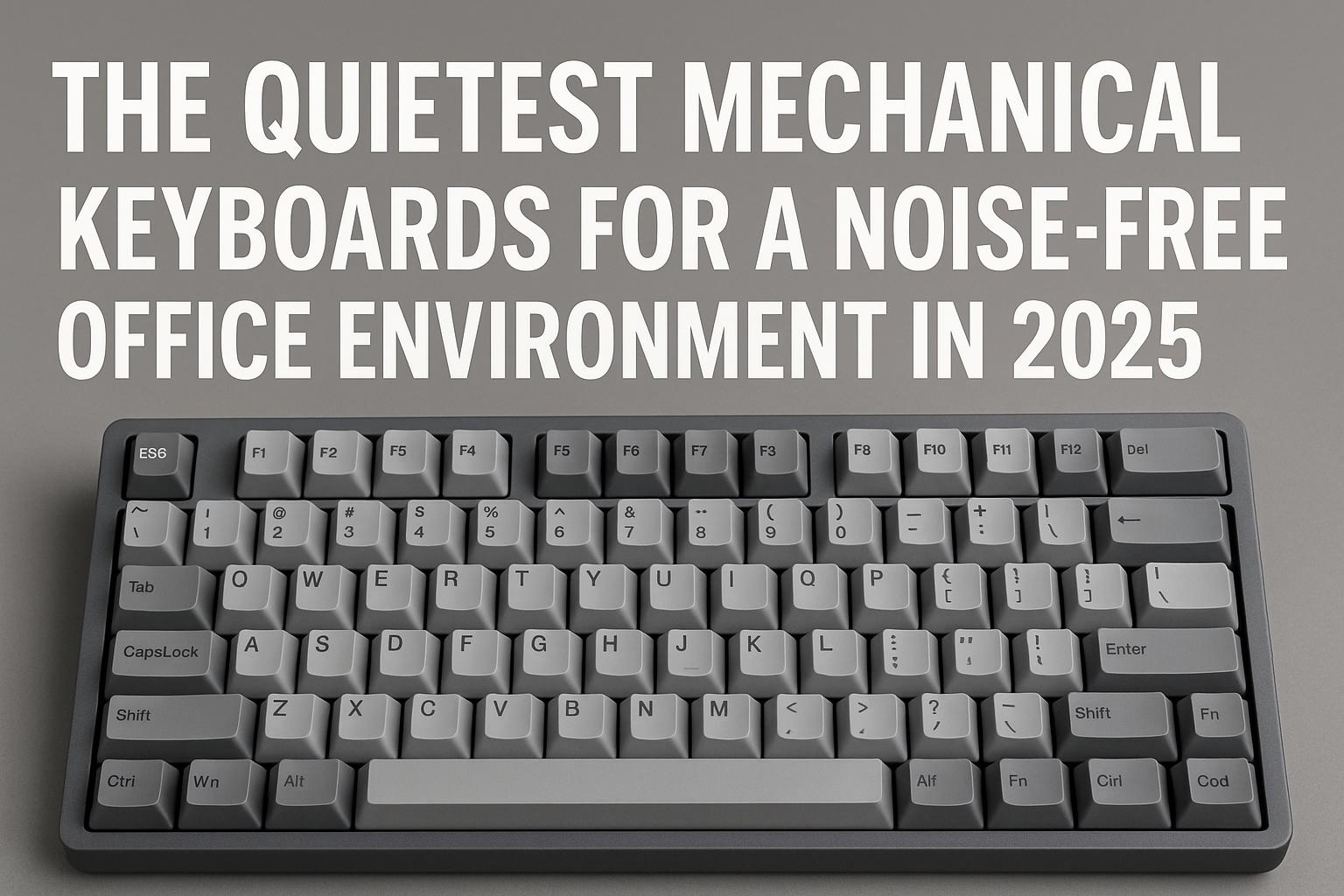
Mechanical keyboards have long been favored by typists, gamers, and professionals for their tactile feedback, durability, and customizable layouts.
But for anyone working in a silent office environment, traditional mechanical keyboards often pose one major challenge: noise.
The clack of a Cherry MX Blue, the rattle of a cheap stabilizer, or the ping of a metal plate can easily disrupt a quiet workspace or distract colleagues in a shared office.
Fortunately, in 2025, silent mechanical keyboard technology has evolved significantly. From custom builds to factory-silent models, it’s possible to get all the benefits of a mechanical keyboard without the noise.
This guide explores:
- What makes a keyboard “silent” (beyond just switches)
- Which switches are best for quiet typing
- Top prebuilt silent mechanical keyboards in 2025
- How to make your current mechanical keyboard quieter
- Keyboard materials and features that reduce acoustic output
Let’s explore how to type with power—without making a sound.
Why Choose a Silent Mechanical Keyboard for Office Use?
For many professionals, keyboard noise can:
- Distract coworkers in open-plan offices
- Be picked up by microphones during video calls
- Break focus in a home office or shared space
- Lead to fatigue from harsh sound profiles over long typing sessions
A silent mechanical keyboard preserves:
- Tactility
- Durability
- Customization
…while eliminating the loudest part of the typing experience.
What Makes a Mechanical Keyboard “Quiet”?
It’s not just the switch that affects volume. Quiet performance comes from a combination of:
🔇 1. Switch Type
- Silent switches are designed to dampen both actuation and bottom-out noise.
🔇 2. Keycap Material
- Thicker, high-quality keycaps (like PBT) reduce sharp sound reverberation.
🔇 3. Case and Plate Design
- Gasket-mounted or foam-filled cases absorb sound vibrations.
- Aluminum or polycarbonate plates are quieter than steel.
🔇 4. Stabilizers
- Poorly tuned stabilizers on spacebar, enter, shift, and backspace create extra noise.
- Lubed or screw-in stabs reduce rattle.
🔇 5. Dampening Mods
- Foam layers, O-rings, and lubing all contribute to lower acoustic profiles.
Best Silent Switches for 2025
The switch is the heart of a mechanical keyboard—and there are plenty of quiet options available.
| Switch Name | Type | Sound | Feel | Notes |
|---|---|---|---|---|
| Cherry MX Silent Red | Linear | Very quiet | Smooth | Industry standard for silence |
| Gateron Silent Red/Black | Linear | Quiet | Soft | Budget-friendly and smooth |
| ZealPC Zilent V2 | Tactile | Quiet | Precise bump | Premium tactile feel with dampening |
| Kailh BOX Silent Pink | Linear | Very quiet | Firm | Great for fast typists |
| Durock Silent Linear | Linear | Quiet | Polished feel | Smooth and consistent |
| Topre Silent (Realforce) | Electro-capacitive | Ultra-quiet | Cushioned | Not technically mechanical, but a top contender |
| Boba U4 Silent | Tactile | Quiet | Thocky bump | Favorite in enthusiast circles |
All of these switches reduce both travel noise and bottom-out impact, making them ideal for shared or silent spaces.
Best Prebuilt Silent Mechanical Keyboards in 2025
For those who don’t want to build or mod a keyboard, here are the best plug-and-play options:
1. Keychron Q6 Silent Edition
- Full-size, gasket-mounted
- Comes with Gateron Silent Browns
- South-facing RGB, hot-swappable
- Foam-packed internals for silent operation
Why it’s great: Affordable, modern, quiet, and Mac/Windows compatible.
2. Leopold FC980M Silent Red
- Compact 98-key layout
- Preinstalled Cherry MX Silent Reds
- Excellent build quality, thick PBT keycaps
Why it’s great: Minimalist, retro look with office-friendly acoustics.
3. Realforce R2 Silent Topre
- Electro-capacitive silent switches
- Ultra-premium build
- Best-in-class silence
Why it’s great: One of the quietest keyboards on the market, albeit expensive.
4. Ducky One 3 Silent RGB
- Gasket-mounted case
- Sound-dampening foam layers
- Silent Red or Silent Black switch options
Why it’s great: Great for RGB fans who want silence.
5. iQunix A80 Explorer Silent
- Compact design
- Excellent acoustics and stabilizers
- Great for modern office setups
Why it’s great: Stylish, ergonomic, and discreetly silent.
How to Make Your Mechanical Keyboard Quieter
Already have a mechanical keyboard you love? Here’s how to make it office-appropriate without replacing it.
✅ 1. Lubricate Your Switches
Unlubed switches often scratch and click unnecessarily.
- Use Krytox or Tribosys lubes
- Requires switch disassembly (or hot-swappable board)
- Dramatically smoothens sound and feel
✅ 2. Add O-Rings or Silicone Dampeners
- Fit under each keycap
- Soften the bottom-out impact
- Reduces “clack” sound by up to 30%
Downside: May reduce key travel slightly
✅ 3. Install Foam Layers
- Case foam between PCB and bottom case
- Plate foam between plate and PCB
- PE foam under switches (for deeper sound)
This significantly reduces reverb and internal vibrations.
✅ 4. Upgrade Your Stabilizers
Factory stabs can rattle. Try:
- Durock V2 screw-in stabs
- Lubed GMK or Everglide stabilizers
- Band-aid or holee mod for even more dampening
✅ 5. Swap for Silent Switches
If your keyboard is hot-swappable:
- Pull out noisy switches
- Insert silent linears or tactiles
Takes 30 minutes and can cut noise in half.
Keyboard Build Tips for Maximum Silence
When planning or upgrading a build, consider:
Case Material:
- Plastic or polycarbonate = quieter
- Aluminum = thocky, but potentially louder
- Avoid metal-on-metal internals
Mounting Style:
- Gasket-mount keyboards isolate the plate and absorb vibrations
- Top-mount and tray-mount are usually louder
Plate Material:
- FR4, POM, polycarbonate = softer sound
- Steel = higher pitch
Keycaps:
- Thick PBT preferred over ABS
- Profile affects acoustics (e.g., SA is deeper, Cherry is sharper)
Keyboard Layouts That Work Best in Offices
Size and layout matter when considering noise and ergonomics:
| Layout | Pros | Cons |
|---|---|---|
| 60% | Compact, minimal desk noise | No function row or arrow keys |
| 75% | Small, includes arrow keys | Less modular |
| TKL (Tenkeyless) | Balanced size and features | No number pad |
| Full-size | Best for data entry | More key noise, larger footprint |
| Split/Ergonomic | Great for long sessions | Takes time to adjust |
For shared offices, TKL or 75% are ideal: fewer keys = less noise.
Bonus: Silent Typing Habits for Office Use
Even with the best hardware, how you type matters.
Quiet typing tips:
- Don’t bottom out keys
- Use a soft wrist rest to reduce impact
- Maintain neutral hand position
- Practice softer keystrokes over time
This minimizes force and reduces sharp key presses—especially on long documents or reports.
Final Thoughts: Silence Without Compromise
The era of clacky keyboards is fading in professional settings. In 2025, silent mechanical keyboards are more accessible, better engineered, and increasingly stylish.
You no longer need to choose between performance and peace.
Here’s your quiet-typing checklist:
✅ Choose a proven silent switch
✅ Invest in a quality keyboard with dampening
✅ Lubricate, mod, and adjust your current setup
✅ Prioritize good ergonomics and soft typing
✅ Pick layouts that suit your office space
With the right tools and habits, your typing can be fast, tactile—and virtually silent.

Chris Dalton is a tech enthusiast with a passion for helping others build high-performance PCs on a budget. He shares practical advice, in-depth guides, and honest insights to empower freelancers, gamers, and creators to get the most out of their hardware. With hands-on experience and a focus on smart, affordable solutions, Carlos Eduardo turns complex tech into accessible knowledge for all.