
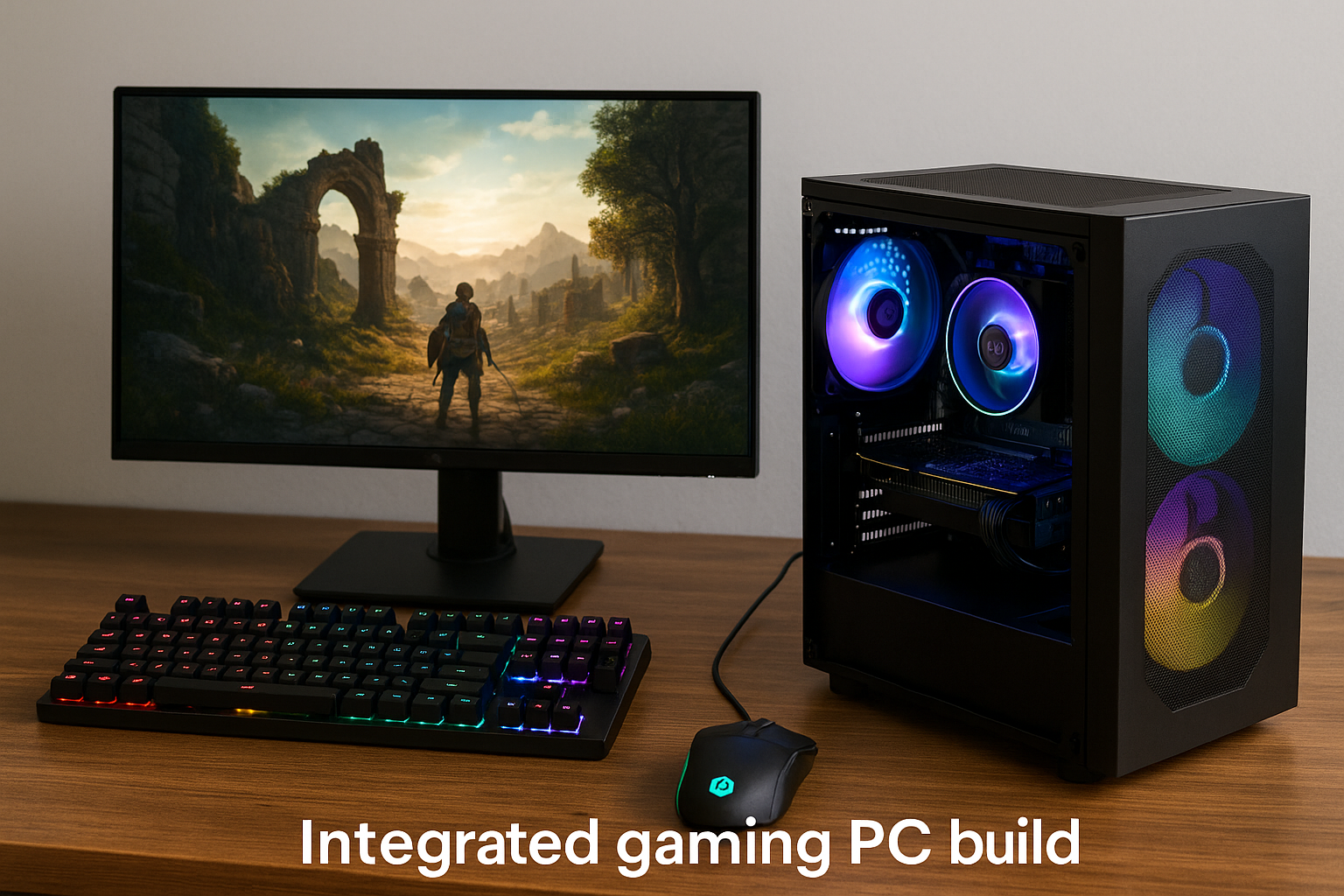
Gaming on a budget in 2025 doesn’t mean sacrificing performance or fun.
With the power of modern integrated graphics, you can build a capable gaming PC for under $600 that handles popular esports titles, indie games, and even some modern 3D releases—without the need for a dedicated graphics card.
In this guide, we’ll explore the best integrated gaming builds you can create in 2025, explain how to choose the right components, and give you tips to maximize performance per dollar.
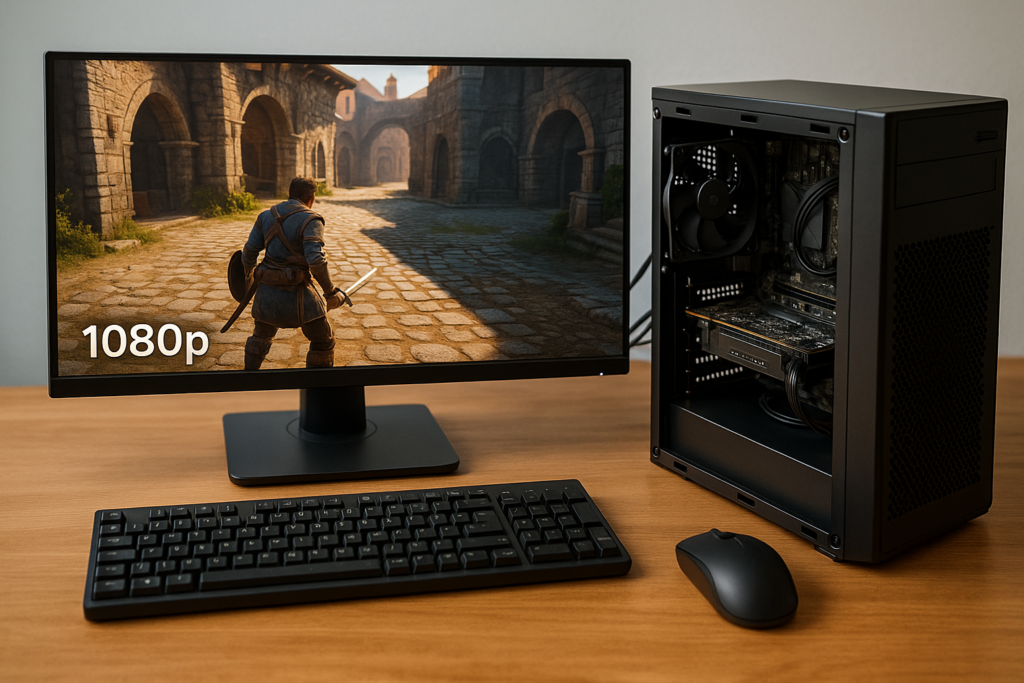
Think you need a GPU to game in 2025? Think again. Learn how to optimize your setup and enjoy 1080p gaming using only integrated graphics.
Why Build an Integrated Gaming PC?
Dedicated GPUs have become significantly more expensive over the years, especially due to manufacturing costs, power demands, and growing demand. At the same time, APUs (Accelerated Processing Units) from AMD and iGPUs from Intel have evolved to the point where they can offer smooth 1080p gaming experiences in many scenarios.
Here’s why an iGPU-based build makes sense:
- Lower total cost: You avoid the $150–$300 GPU cost
- Energy efficient: Uses less power and generates less heat
- Compact: Fits in small cases for minimalist setups
- Quiet: No loud GPU fans
- Upgradeable: Add a GPU later if needed
Now, let’s get into the best builds you can assemble under $600.
Build 1: AMD Ryzen 5 8600G Budget Powerhouse (~$550)
Components:
- CPU/APU: AMD Ryzen 5 8600G (Radeon 760M) – $200
- Motherboard: B650M Micro-ATX – $100
- RAM: 16GB DDR5 6000MHz (2x8GB) – $65
- Storage: 500GB NVMe SSD Gen 4 – $30
- Case + PSU: Thermaltake Versa H18 + 500W Bronze PSU – $90
- Cooling: Stock cooler (included) – $0
- Wi-Fi Adapter (Optional): USB or PCIe – $15
Why This Build Works:
- Radeon 760M delivers 80–100 FPS in esports titles
- DDR5 memory boosts shared GPU performance
- Affordable motherboard with future support
- Easy to add a GPU later (PCIe 4.0 ready)
Performance Benchmarks (1080p Low/Medium):
- Valorant: 110 FPS
- League of Legends: 150 FPS
- Fortnite: 75 FPS (Performance Mode)
- Minecraft: 120 FPS
- Dota 2: 95 FPS
Build 2: Intel Core Ultra 5 iGPU Gaming Build (~$570)
Components:
- CPU: Intel Core Ultra 5 125H (Arc iGPU) – $240
- Motherboard: Compatible B760 Mini-ITX – $110
- RAM: 16GB DDR5 5600MHz (2x8GB) – $65
- Storage: 1TB NVMe SSD Gen 3 – $45
- Case + PSU: Cooler Master NR200P + 500W PSU – $110
Why This Build Works:
- Intel Arc iGPU delivers comparable results to Radeon 760M
- DDR5 RAM improves GPU bandwidth
- Future-proof platform for Arc driver updates
- Perfect for small form factor builds
Gaming Performance (1080p):
- Apex Legends: 60 FPS
- CS2: 70 FPS
- Rocket League: 110 FPS
- Hades: 130 FPS
- Roblox: 120+ FPS
Build 3: Ultra-Budget Ryzen 5 5600G Build (~$480)
If you want to save even more, go with previous-gen components that still perform well.
Components:
- CPU/APU: Ryzen 5 5600G (Vega 7) – $120
- Motherboard: A520M – $60
- RAM: 16GB DDR4 3200MHz (2x8GB) – $45
- Storage: 512GB SATA SSD – $25
- Case + PSU: Montech Flyer + 450W PSU – $90
- Cooling: Wraith Spire (included) – $0
What You Get:
- Vega 7 is still capable for 720p–900p gaming
- Cheapest entry point to PC gaming in 2025
- Excellent upgrade path to a discrete GPU later
Performance:
- League of Legends: 120 FPS
- Dota 2: 85 FPS
- Fortnite: 60 FPS (Performance Mode)
- Rocket League: 90 FPS
- Stardew Valley: 144 FPS
Must-Have Accessories Under Budget
Monitor:
- AOC 24B2XH – 1080p 75Hz IPS – $90
- Acer SB220Q – 1080p 60Hz – $85
Keyboard + Mouse Combo:
- Logitech MK270 Wireless – $25
- Redragon S101 Wired RGB Combo – $35
Gamepad (Optional):
- 8BitDo Ultimate Wireless – $45
- Xbox One Wired Controller – $40
Optimization Tips for Better Gaming on iGPU Builds
To get the most out of your integrated graphics, follow these best practices:
Use Dual-Channel RAM
This is non-negotiable. Integrated graphics need fast, dual-channel memory. Single-stick configurations will significantly reduce FPS.
Enable XMP/DOCP
Ensure your BIOS is set to run RAM at its advertised speed. This gives your iGPU full memory bandwidth.
Update Drivers
Use AMD Adrenalin or Intel Arc Control to get the latest GPU updates. These often improve performance or fix bugs in newer games.
Adjust Game Settings
- Stick to 720p or 900p in demanding titles
- Use FSR or XeSS if the game supports it
- Lower anti-aliasing, shadows, and draw distance
Keep Background Apps Closed
Streaming music, video, or browser tabs will consume RAM and CPU cycles. Run only what’s necessary while gaming.
Gaming Without a GPU: What to Expect
Modern iGPUs aren’t meant for ultra settings in AAA titles, but they are surprisingly capable when configured properly. Here’s what a $600 integrated build can realistically do:
- Esports titles: Run smoothly at 1080p, often at 60–120 FPS
- Indie games: Flawless performance at max settings
- Casual 3D games: Playable at 720p–900p
- Older AAA games: Run at reduced settings
- New AAA games: Playable via FSR or streaming services
Future Upgrade Path
What makes iGPU builds great is how easy it is to upgrade:
- Add a discrete GPU later (RX 7600, RTX 4060)
- Upgrade to 32GB RAM for better multitasking
- Swap SSDs or add a second for more storage
- Install a better cooler for higher sustained clocks
Many gamers start with integrated graphics and move to a full GPU build as their needs grow.
Final Thoughts
In 2025, you no longer need a dedicated GPU to enjoy great gaming. With Ryzen’s 7000G series and Intel’s Core Ultra chips, you can build a capable gaming PC under $600 that handles real games, not just low-effort browser titles.
Whether you’re a student, a first-time builder, or someone looking for a portable system, integrated graphics provide outstanding value, especially in a market where GPUs still carry premium prices.
Your next gaming rig might be smaller, cheaper, and quieter—but it won’t hold you back.

Chris Dalton is a tech enthusiast with a passion for helping others build high-performance PCs on a budget. He shares practical advice, in-depth guides, and honest insights to empower freelancers, gamers, and creators to get the most out of their hardware. With hands-on experience and a focus on smart, affordable solutions, Carlos Eduardo turns complex tech into accessible knowledge for all.