
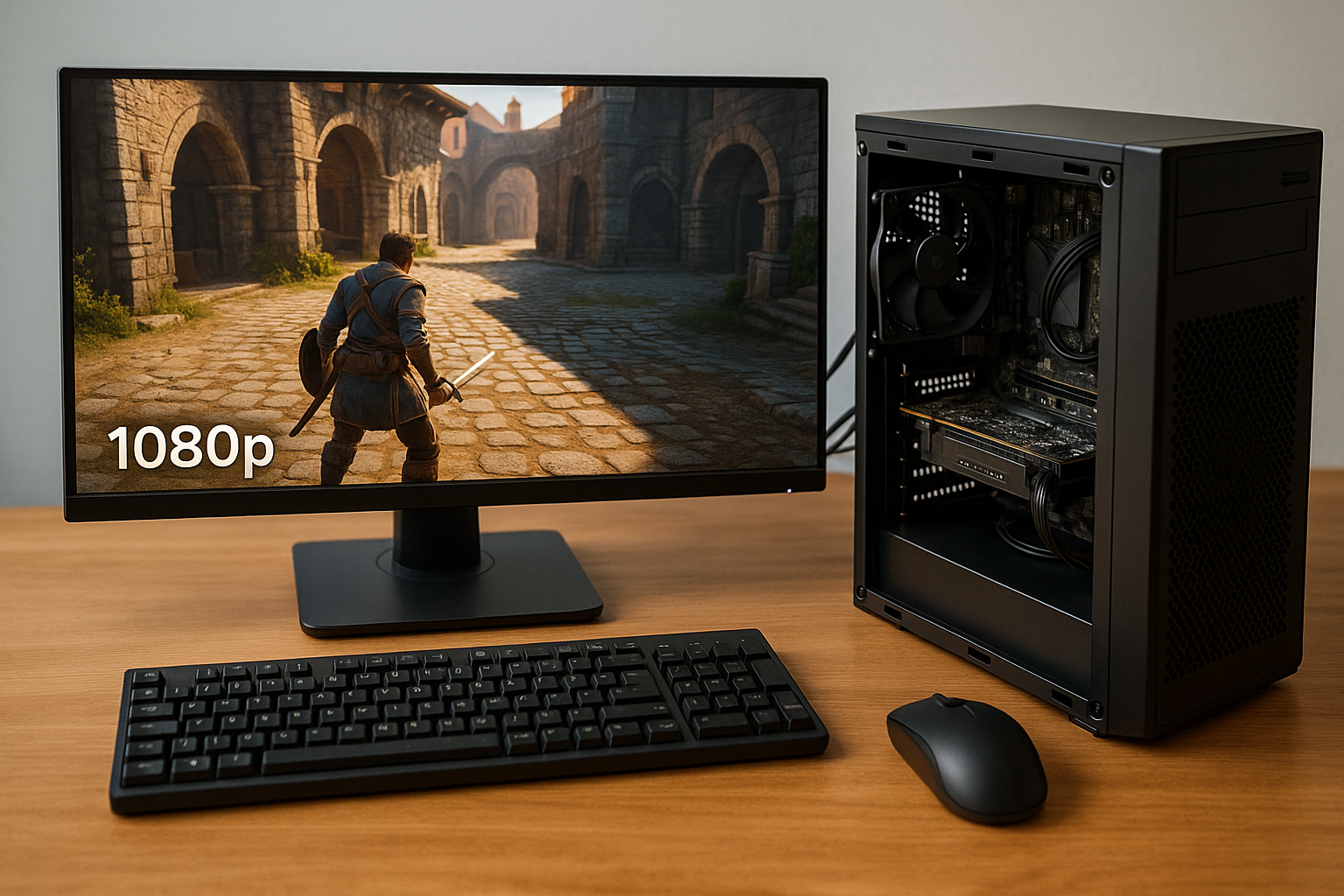
Gaming at 1080p has long been the benchmark for an enjoyable and immersive experience, typically achieved through the use of dedicated GPUs.
But as of 2025, that landscape has changed. With significant advancements in integrated graphics, or iGPUs, gamers on a budget or those building compact systems can now achieve Full HD gaming without ever installing a discrete graphics card.
This guide explores the current state of 1080p gaming with iGPUs, how to build or optimize your system, which games are best suited, and tips to squeeze out every bit of performance from your setup.
What Are Integrated Graphics and Why Do They Matter Now?
Integrated graphics are processing units built into the same chip as your CPU. Unlike discrete GPUs, they don’t have their own VRAM but instead share the system’s RAM.
Historically, iGPUs were limited to basic tasks, but in recent years they’ve become far more capable thanks to innovations from AMD and Intel.
Benefits of Modern iGPUs
Lower cost since there’s no need to buy a separate GPU
Reduced power consumption and heat generation
Compact form factor suitable for mini PCs and laptops
Quiet operation with minimal cooling needs
Sufficient performance for a wide range of games
Best Integrated GPUs for 1080p Gaming in 2025
AMD Radeon 780M (Ryzen 7 8700G)
Currently the most powerful iGPU available, capable of smooth 1080p performance in esports and many modern games.
AMD Radeon 760M (Ryzen 5 8600G)
Delivers excellent value with performance just behind the 780M, ideal for budget builds under $600.
Intel Arc iGPU (Core Ultra 5/7)
A solid performer, particularly in laptops, offering support for modern graphics APIs and video encoding.
Intel UHD 770 (i5-13400/i7-13700)
While not as powerful as AMD’s current lineup, still usable for 1080p gaming in less demanding or well-optimized games.
The Importance of RAM in iGPU Gaming
Since iGPUs don’t have their own VRAM, they rely heavily on fast system memory. Choosing the right RAM is essential to achieve 1080p performance.
Recommended RAM Configuration
Minimum 16GB (2x8GB) for dual-channel performance
DDR5 5600MHz or higher preferred for Ryzen 7000G or Intel Ultra platforms
Enable XMP/DOCP profiles in BIOS to reach full speed
Avoid single-channel RAM setups, as they significantly hinder performance
Can You Really Game at 1080p on Integrated Graphics?
Yes, but with some caveats. While you won’t be playing the latest AAA titles at ultra settings, you can enjoy great performance in esports, indie games, and well-optimized 3D titles. Here are real-world benchmarks using the Radeon 780M and Intel Arc iGPU:
Valorant – 1080p, High: 120 FPS
Fortnite – 1080p, Performance Mode: 80 FPS
League of Legends – 1080p, Ultra: 144 FPS
Rocket League – 1080p, High: 100 FPS
Minecraft (Java) – 1080p, Medium: 130 FPS
CS2 – 1080p, Medium: 75 FPS
Hades – 1080p, High: 100+ FPS
GTA V – 1080p, Normal: 60 FPS
Skyrim SE – 1080p, Medium: 55 FPS
The Sims 4 – 1080p, High: 90 FPS
Optimizing Graphics Settings for 1080p on iGPUs
You’ll need to tweak game settings to maintain smooth framerates while preserving visual fidelity.
Resolution: Use native 1080p or 900p with upscaling
Textures: Medium or Low
Shadows: Low or Off
Post-processing: Low
Effects: Medium
Anti-aliasing: FXAA or off
View Distance: Medium
V-Sync: Off unless tearing is severe
Framerate Cap: Optional, helps with thermal control
Upscaling: Use FSR (AMD) or XeSS (Intel) when available for big FPS gains
Best Game Genres and Titles for iGPU 1080p Gaming
Esports and Competitive Games
Valorant
CS2
Dota 2
League of Legends
Rocket League
Overwatch 2 (low-medium settings)
Indie and Stylized Games
Stardew Valley
Hollow Knight
Celeste
Slay the Spire
Dead Cells
Rogue Legacy 2
Older AAA Titles
Skyrim Special Edition
Mass Effect Trilogy
GTA V
BioShock Infinite
Portal 2
Batman Arkham City
These games offer excellent performance on modern iGPUs, even at 1080p.
Games to Avoid at 1080p with Integrated Graphics
Games that demand high VRAM or GPU horsepower will struggle:
Cyberpunk 2077
The Last of Us Part I
Starfield
Red Dead Redemption 2
Modern Call of Duty games
Hogwarts Legacy
These may run at 720p with aggressive settings, but the experience is usually subpar.
Thermals, Power, and Noise Considerations
Integrated graphics are inherently more power-efficient than dedicated GPUs. Still, running games at 1080p will raise CPU temps and system load.
Use a case with at least one intake and one exhaust fan
Clean fans and heatsinks regularly
Monitor CPU temps (keep under 85°C for sustained gaming)
Avoid small, poorly ventilated enclosures unless passively cooled
Use a decent PSU (450W+ recommended for upgrade flexibility)
Tools to Enhance 1080p Gaming on iGPU
AMD Adrenalin Software
Use for enabling FSR globally, adjusting profiles, and overclocking
Set global settings for performance over quality
Monitor thermals and clock speeds
Intel Arc Control
Optimizes Arc iGPUs for gaming
Controls XeSS, video encoding, and overlay features
Provides regular driver updates
OBS for Streaming or Recording
Use hardware encoders (AMF or QSV)
Avoid CPU-based encoding unless using powerful CPU + 32GB RAM
Stream at 720p to reduce system impact
Mini PCs and HTPCs for 1080p Gaming
Mini PCs with Ryzen 7840HS, 7735HS, or Intel Ultra chips are small yet powerful enough for 1080p gaming:
Minisforum UM790 Pro
Beelink SER7
Intel NUC 13 Pro
ASUS PN64
Pair them with a compact keyboard, wireless gamepad, and portable monitor for a fully functional 1080p gaming station that fits in a backpack.
The Role of Upscaling: FSR and XeSS
FSR (FidelityFX Super Resolution) and XeSS are essential tools for 1080p gaming on iGPUs. They render games at lower resolutions (like 720p) and upscale them with advanced algorithms to simulate native 1080p.
FSR is supported in over 300 games and works on both AMD and Intel iGPUs
XeSS is ideal for Intel Arc setups and continues to gain support
Set Quality mode for the best image-to-performance ratio
Avoid Ultra Performance unless you’re desperate for FPS
Building a $600 iGPU System for 1080p Gaming
Example Build with AMD Ryzen 5 8600G
CPU: AMD Ryzen 5 8600G – $200
Motherboard: B650M mATX – $100
RAM: 16GB DDR5 6000MHz – $65
Storage: 1TB NVMe SSD – $45
Case + PSU: Montech mATX Case + 500W PSU – $90
Cooling: Stock cooler – included
This build runs nearly all esports and indie games at 1080p, offers upgrade paths, and stays cool and quiet.
Example Build with Intel Core Ultra 5
CPU: Intel Core Ultra 5 125H – $240
Motherboard: B760 Mini-ITX – $100
RAM: 16GB DDR5 5600MHz – $65
Storage: 500GB NVMe SSD – $30
Case + PSU: Cooler Master NR200 + 500W PSU – $110
Ideal for ultra-small builds and mobile use. Arc iGPU provides competitive 1080p gaming when tuned correctly.
Will iGPUs Replace Entry-Level GPUs?
For many users, they already have. As iGPU performance continues to improve, they’ve begun to replace the need for cards like the GTX 1650 or RX 6400.
Advantages:
Cheaper total build
No need for big power supplies
Less heat and space required
Easier to build and quieter
Disadvantages:
Shared memory
Still weaker for AAA gaming
Not VR ready
Limited upgrade options on some platforms
Final Thoughts
Gaming at 1080p with integrated graphics in 2025 is no longer a compromise—it’s a legitimate option for gamers who value affordability, simplicity, and efficiency.
With powerful APUs, optimized drivers, and technologies like FSR and XeSS, you can achieve great results without spending hundreds on a GPU.
Whether you’re a student, a casual gamer, or someone waiting for GPU prices to drop, building or using an iGPU system allows you to enjoy modern gaming at full HD resolutions without blowing your budget.
The performance ceiling may be lower, but the entry point has never been better.

Chris Dalton is a tech enthusiast with a passion for helping others build high-performance PCs on a budget. He shares practical advice, in-depth guides, and honest insights to empower freelancers, gamers, and creators to get the most out of their hardware. With hands-on experience and a focus on smart, affordable solutions, Carlos Eduardo turns complex tech into accessible knowledge for all.